超值优惠 一站式财务规划套餐
✓ 财务规划✓ 净资产追踪器✓ 月度预算✓ 旅行预算规划器✓ 年度预算规划器✓ 月度支出追踪器✓ 年度税务规划器✓ 退休规划
查看套餐 →
Essentials 模板 - Excel 和 Google Sheets

Expense Report Essentials 模板

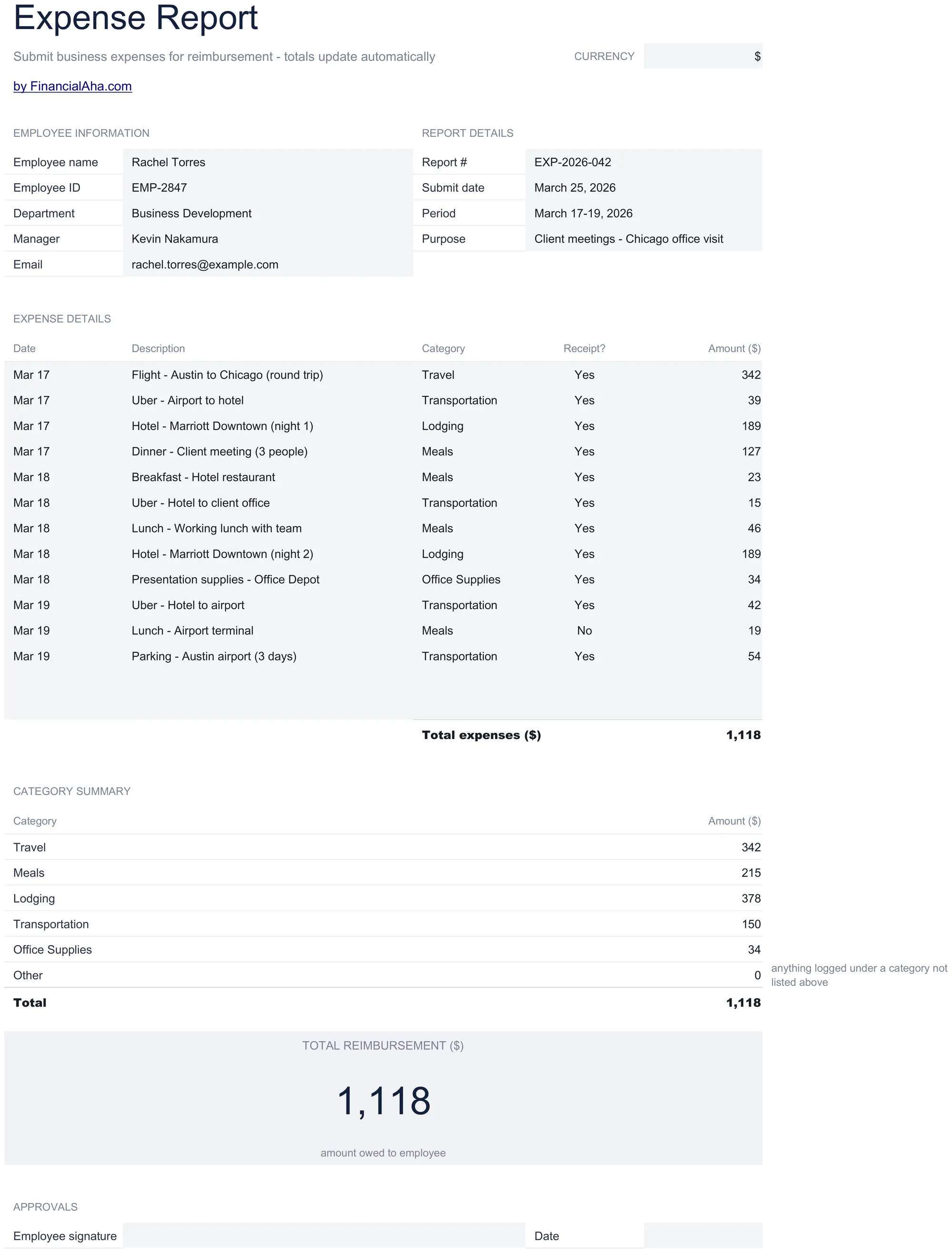
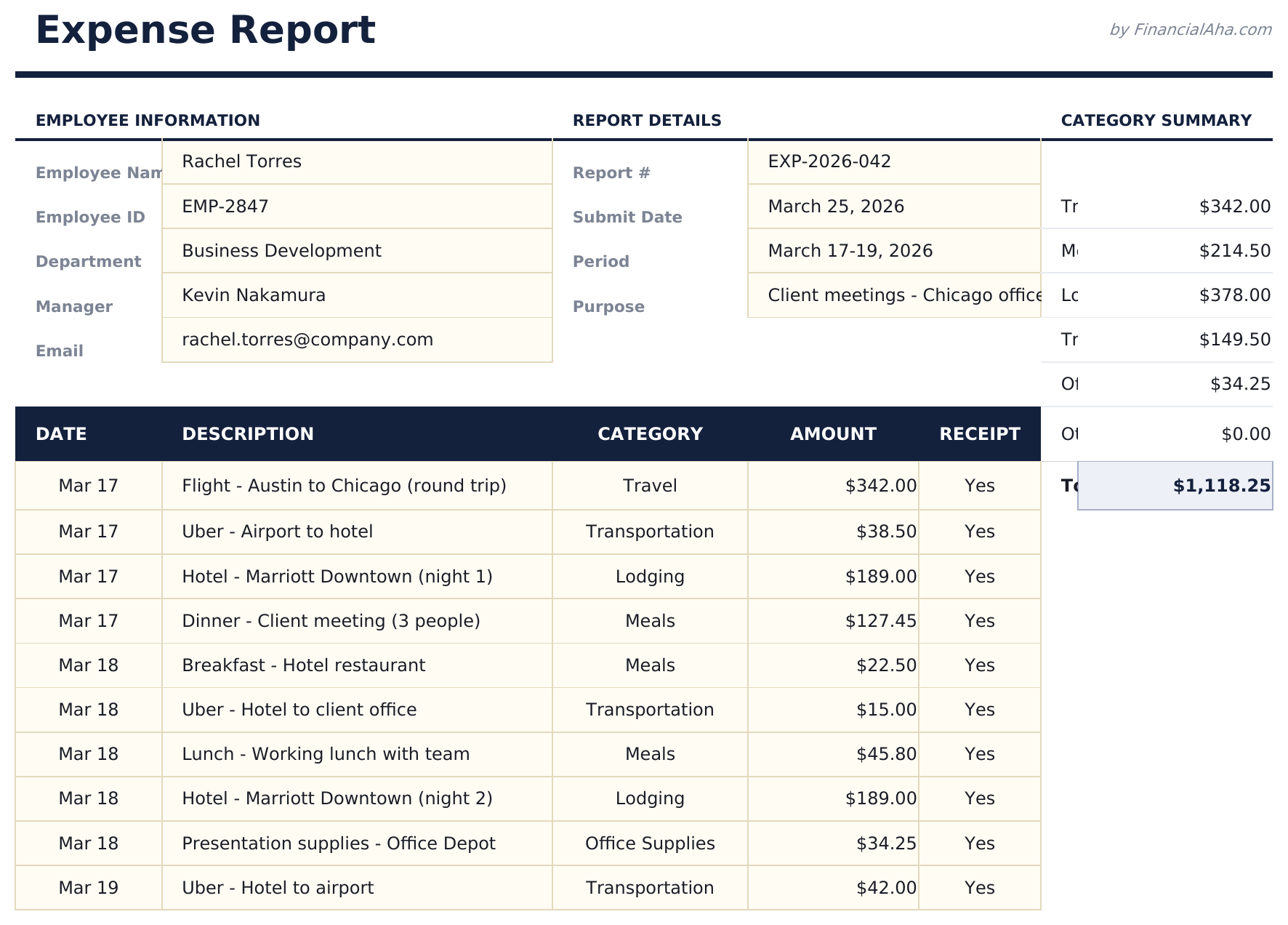
Submit business expenses with dates, categories, and receipts. Standard expense report format for employee reimbursement processing.

Expense Report preview

包含内容

  • Expense report in standard corporate format with employee name, department, reporting period, and manager fields
  • Date, category, description, and amount columns for itemizing each business expense with supporting details
  • Receipt reference fields for attaching or noting receipt numbers to support each line item for audit purposes
  • Automatic total calculations summing all expense line items with subtotals per category if grouped
  • Approval and signature sections with print-ready layout and color-coded input cells for easy form completion
  • Works in Microsoft Excel, Google Sheets, and LibreOffice Calc with no setup required

如何使用这个Expense Report模板

1

Enter employee details

Fill in employee name, department, reporting period, and manager name at the top of the report.

2

Itemize each expense

Add each business expense with date, category, description, amount, and receipt reference number.

3

Attach receipts

Note the receipt number for each line item. Keep physical or digital receipts for audit documentation.

4

Submit for approval

Review the total, sign the report, and submit to your manager. The approval section is at the bottom.

由 Claude AI 构建,经我们精心打磨。

我们使用 Claude AI 在深入研究后起草每个模板。然后由团队接手,优化布局、全面测试每个公式、修复边界情况,并打磨设计,直到达到我们自己愿意使用的标准。AI 完成了 80% 的工作,最后 20% 靠的是人工判断。

常见问题

What expense categories are standard?

Common categories include meals, travel, lodging, transportation, office supplies, and client entertainment. Use the categories your company requires.

Do I need receipts for every item?

Most companies require receipts above a threshold amount. The receipt reference field helps link each expense to its supporting documentation.

Can I submit for a partial month?

Yes. Enter the reporting period dates for whatever timeframe the expenses cover. There is no requirement to use a full month.

Where does the manager sign?

The approval section at the bottom includes signature lines for both the employee and the approving manager.

如何在 Google Sheets 中打开?

将 .xlsx 文件上传到 Google Drive,然后使用 Google Sheets 打开。所有公式和格式都会保留。

更多 Business Finance Essentials 模板

在寻找付费电子表格模板?

我们的付费模板包含高级多工作表仪表盘、原生 Excel 图表,并持续更新。

私密且安全

您的财务数据保留在您的设备上。我们永远看不到。

了解更多 →

需要帮助?

查看我们的指南或提出问题。

查看常见问题 →