Expense Report Modello Essentials
Submit business expenses with dates, categories, and receipts. Standard expense report format for employee reimbursement processing.
Cosa include
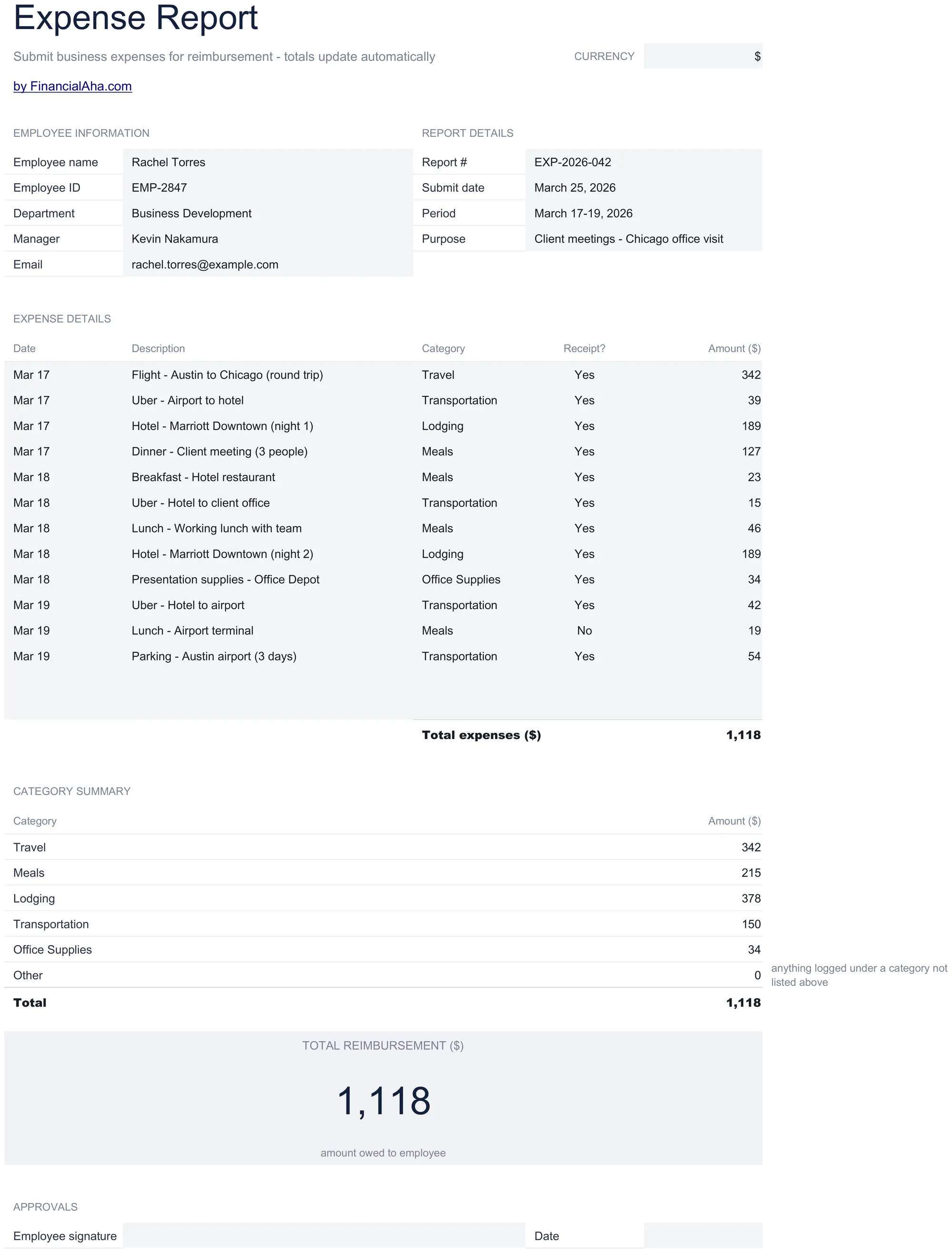
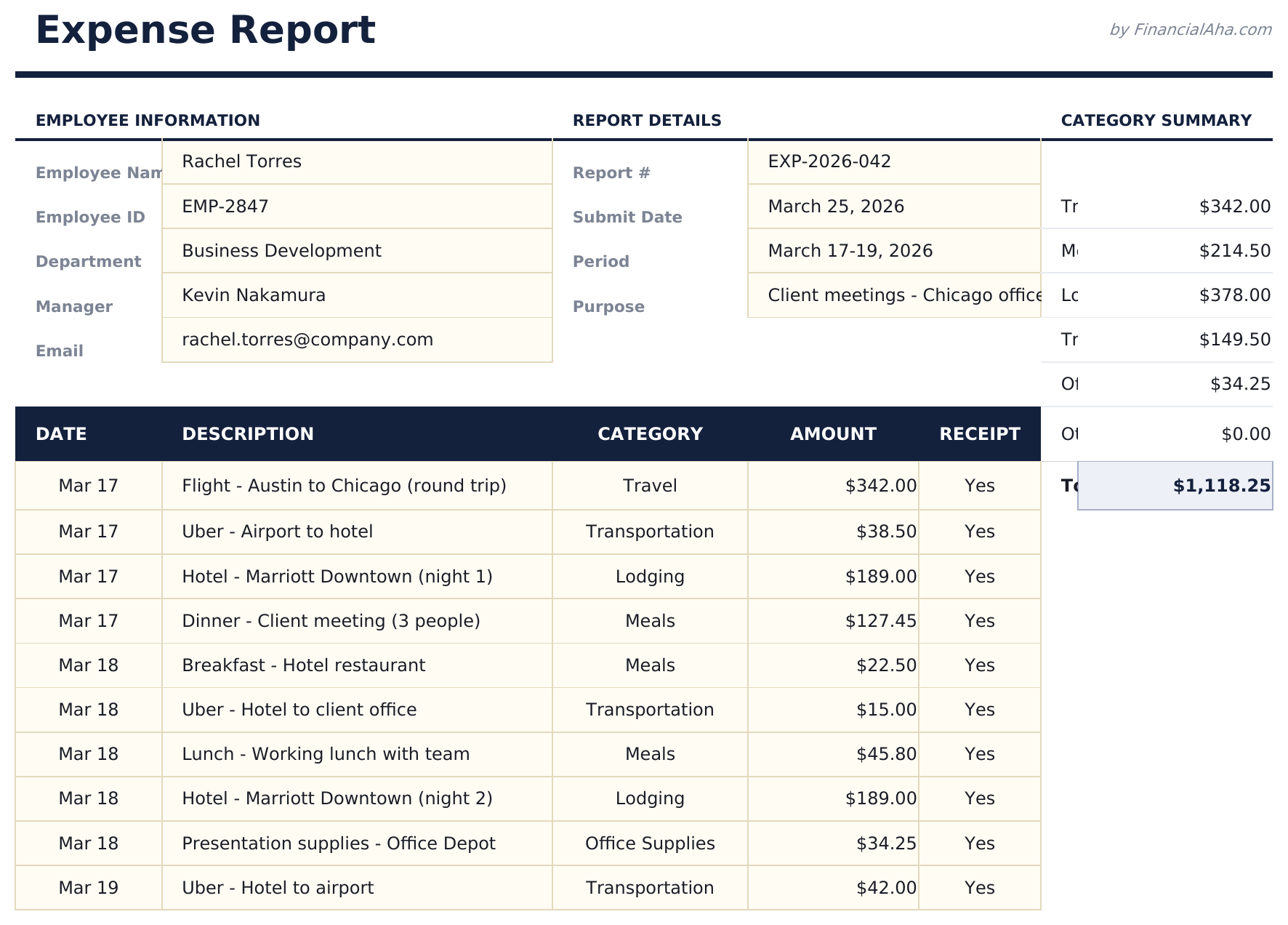
- Expense report in standard corporate format with employee name, department, reporting period, and manager fields
- Date, category, description, and amount columns for itemizing each business expense with supporting details
- Receipt reference fields for attaching or noting receipt numbers to support each line item for audit purposes
- Automatic total calculations summing all expense line items with subtotals per category if grouped
- Approval and signature sections with print-ready layout and color-coded input cells for easy form completion
- Works in Microsoft Excel, Google Sheets, and LibreOffice Calc with no setup required
Anteprima
Scopri cosa contiene questo modello

Come usare questo modello Expense Report
Enter employee details
Fill in employee name, department, reporting period, and manager name at the top of the report.
Itemize each expense
Add each business expense with date, category, description, amount, and receipt reference number.
Attach receipts
Note the receipt number for each line item. Keep physical or digital receipts for audit documentation.
Submit for approval
Review the total, sign the report, and submit to your manager. The approval section is at the bottom.
Creati da Claude AI. Perfezionati da noi.
Utilizziamo Claude AI per creare ogni modello, dopo una ricerca approfondita. Poi interviene il nostro team. Miglioriamo il layout, testiamo ogni formula, correggiamo i casi limite e rifiniamo il design fino a ottenere qualcosa che useremmo noi stessi. L'AI ci porta all'80%. L'ultimo 20% è tutto giudizio umano.
Domande frequenti
What expense categories are standard?
Common categories include meals, travel, lodging, transportation, office supplies, and client entertainment. Use the categories your company requires.
Do I need receipts for every item?
Most companies require receipts above a threshold amount. The receipt reference field helps link each expense to its supporting documentation.
Can I submit for a partial month?
Yes. Enter the reporting period dates for whatever timeframe the expenses cover. There is no requirement to use a full month.
Where does the manager sign?
The approval section at the bottom includes signature lines for both the employee and the approving manager.
Come posso aprirlo in Google Sheets?
Carica il file .xlsx su Google Drive, poi aprilo con Google Sheets. Tutte le formule e la formattazione saranno conservate.
Altri modelli Essentials Business Finance
Cash Flow Statement
Prepare a cash flow statement with operating, investing, and financing activities. Track cash inflows and outflows to see net cash position.
$12Profit and Loss Projection
Project revenue, costs, and profit over a specified period. Useful for business planning, forecasting, and evaluating financial scenarios.
$12Sales Forecast
Project future sales by product, service, or channel. Build revenue forecasts with growth assumptions and seasonal adjustments.
$12Startup Costs
Estimate one-time and recurring costs for launching a new business. Categorize expenses and calculate total funding needed.
$12Cerchi modelli di fogli di calcolo premium?
I nostri modelli a pagamento includono dashboard multi-foglio avanzate, grafici nativi Excel e aggiornamenti continui.
Privato e sicuro
I tuoi dati finanziari restano sul tuo dispositivo. Non li vediamo mai.
Scopri di piu →