Petty Cash Log Essentials Template
Track small cash transactions with date, description, and amount. Maintain a running balance and reconcile the petty cash fund.
What's Included
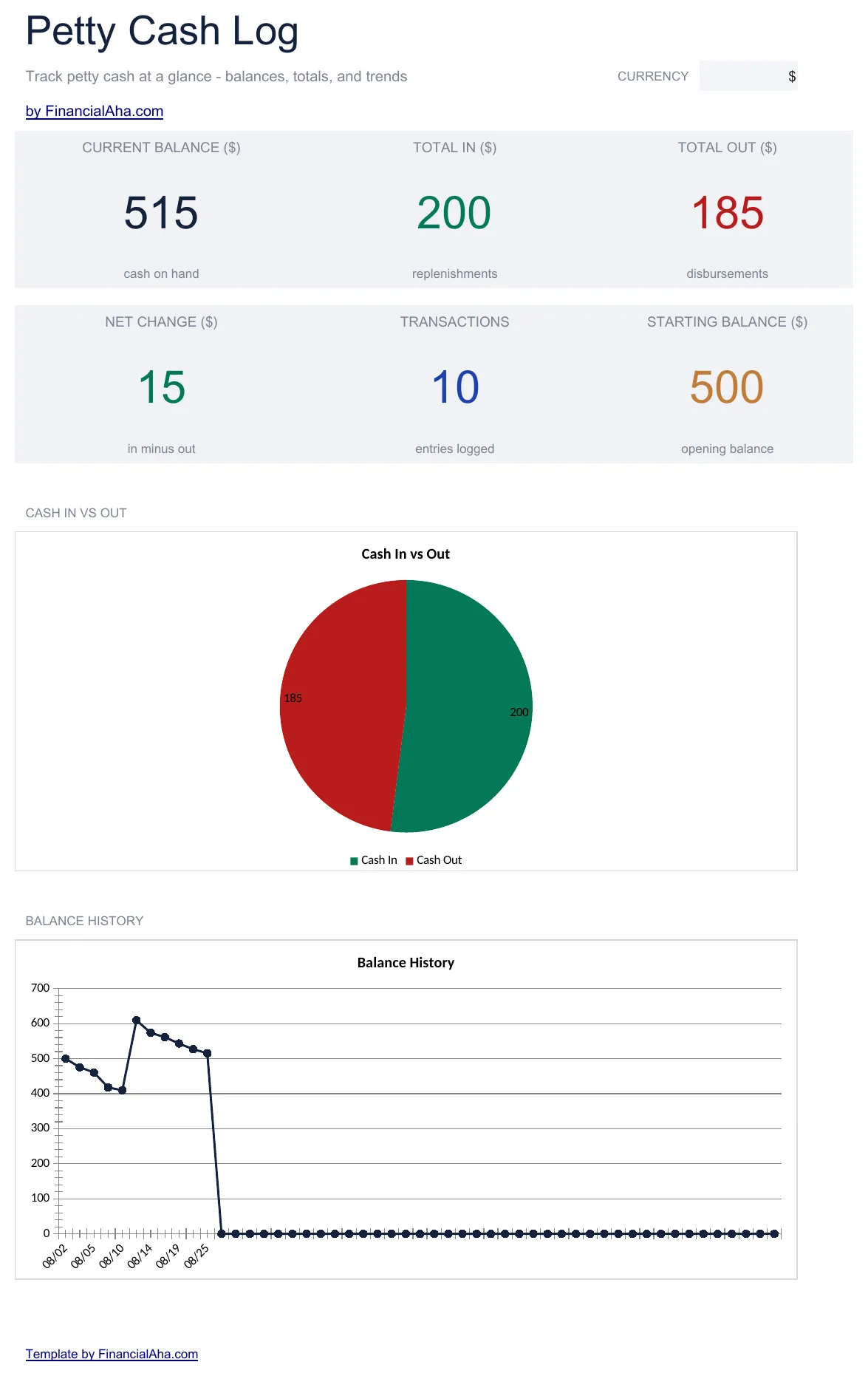
- Dashboard with petty cash fund summary showing starting balance, total disbursed, and remaining fund amount
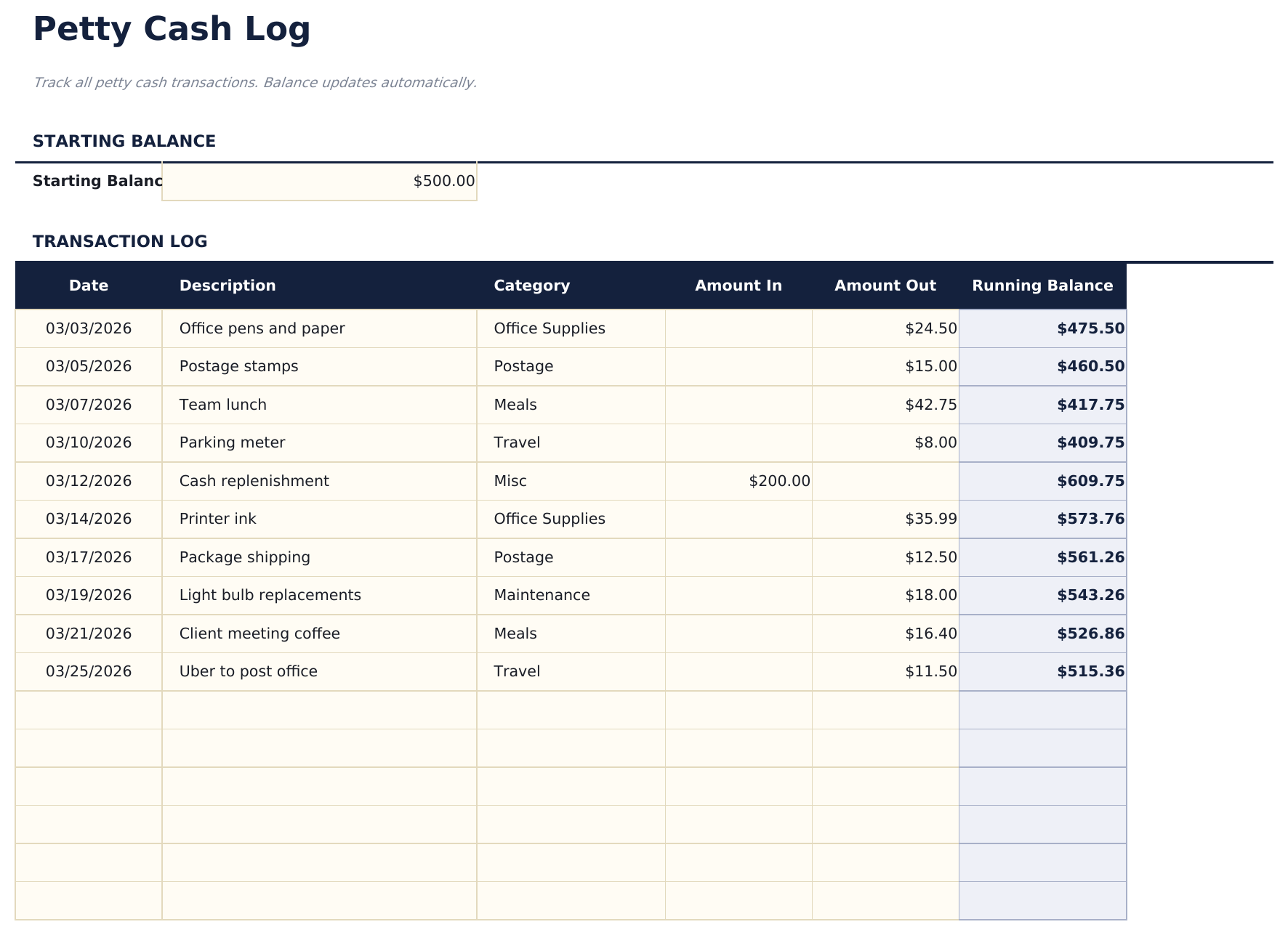
- Cash log with date, payee, description, and amount columns plus an automatic running balance after each entry
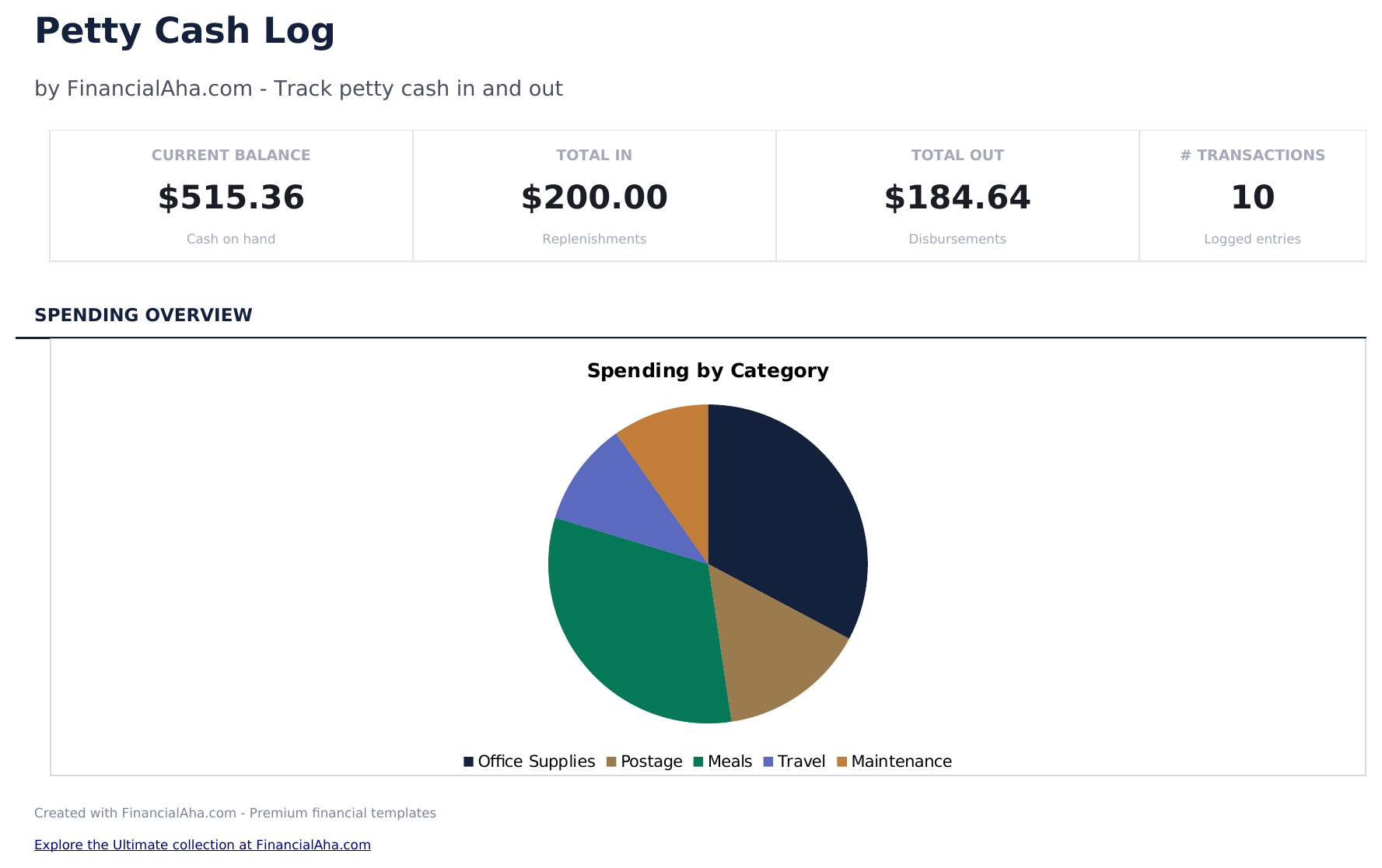
- Category tracking for each disbursement so petty cash spending can be grouped by office supplies, travel, meals
- Fund reconciliation support with replenishment entries to reset the cash balance to the original fund amount
- Color-coded input cells (yellow) and auto-calculated running balance (blue) for accurate cash tracking
- Works in Microsoft Excel, Google Sheets, and LibreOffice Calc with no setup required
Preview
See what's inside this template


How to Use This Petty Cash Log Template
Set the fund amount
Enter the starting petty cash fund balance at the top. This is the amount initially placed in the cash box.
Log each disbursement
Record every cash payment with date, payee, description, amount, and category in the cash log.
Monitor the balance
The running balance updates after each entry. Check it against the actual cash in the box to verify accuracy.
Replenish the fund
When the balance gets low, add a replenishment entry to bring the fund back to the original amount.
Built by Claude AI. Perfected by us.
We use Claude AI to draft each template, after a deep research. Then our team steps in. We refine the layout, stress-test every formula, fix edge cases, and polish the design until it feels like something we would actually use ourselves. The AI gets us 80% there. The last 20% is all human judgment.
Frequently Asked Questions
How do I reconcile the fund?
Count the physical cash, add up outstanding receipts, and compare to the expected balance in the log. Any difference is a variance to investigate.
What categories should I use?
Common categories include office supplies, postage, meals, parking, and miscellaneous. Use whatever matches your typical small cash expenses.
How often should I replenish?
Replenish when the fund balance gets low - typically when 50% to 75% has been disbursed. The log entry restores the balance to the original amount.
Can I track multiple petty cash funds?
This template covers one fund. Duplicate the file if you maintain separate petty cash funds at different locations or departments.
How do I open this in Google Sheets?
Upload the .xlsx file to Google Drive, then open it with Google Sheets. All formulas and formatting will be preserved.
More Essentials Business Finance Templates
Cash Flow Statement
Prepare a cash flow statement with operating, investing, and financing activities. Track cash inflows and outflows to see net cash position.
$12Profit and Loss Projection
Project revenue, costs, and profit over a specified period. Useful for business planning, forecasting, and evaluating financial scenarios.
$12Sales Forecast
Project future sales by product, service, or channel. Build revenue forecasts with growth assumptions and seasonal adjustments.
$12Startup Costs
Estimate one-time and recurring costs for launching a new business. Categorize expenses and calculate total funding needed.
$12Looking for premium spreadsheet templates?
Our paid templates include advanced multi-sheet dashboards, native Excel charts, and ongoing updates.