Mejor valor Paquete Todo-en-Uno de Planificación Financiera
✓ Planificación Financiera✓ Rastreador de Patrimonio Neto✓ Presupuesto Mensual✓ Planificador de Presupuesto de Viaje✓ Planificador de Presupuesto Anual✓ Rastreador de Gastos Mensuales✓ Planificador de Impuestos Anual✓ Planificación de Jubilación
Ver paquete →
Plantilla Essentials - Excel y Google Sheets

Petty Cash Log Plantilla Essentials

Track small cash transactions with date, description, and amount. Maintain a running balance and reconcile the petty cash fund.

Petty Cash Log preview

Qué incluye

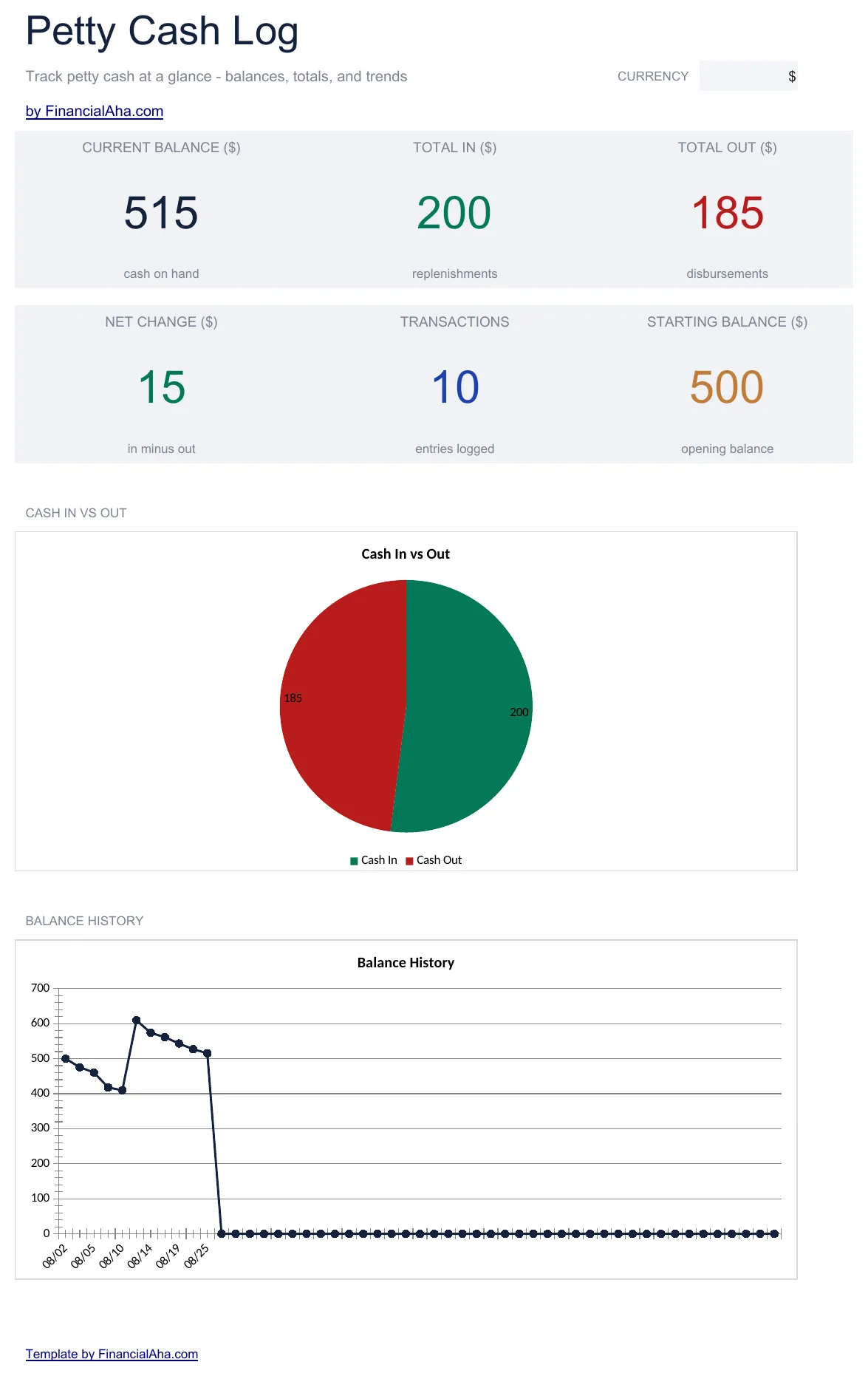
  • Dashboard with petty cash fund summary showing starting balance, total disbursed, and remaining fund amount
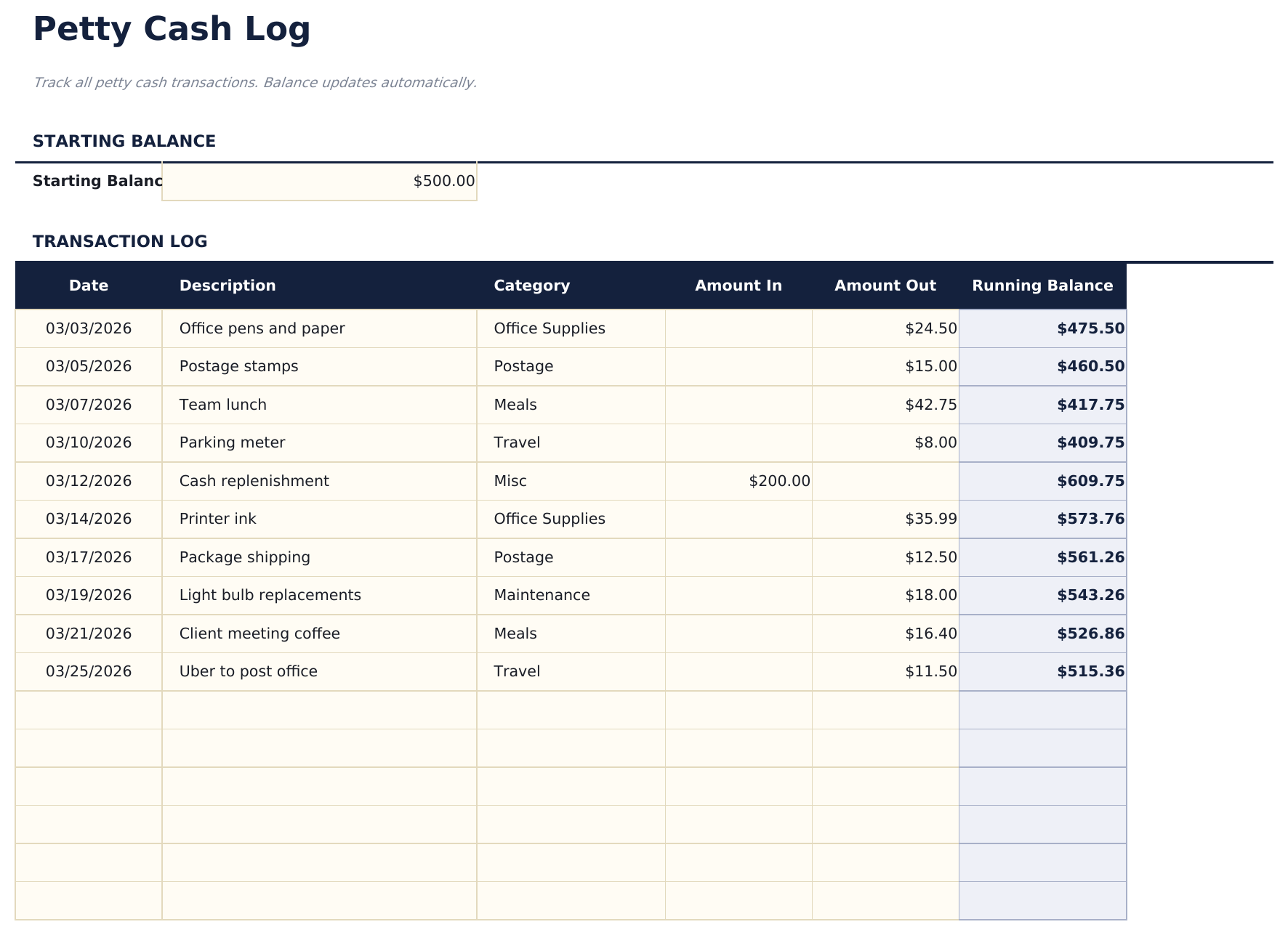
  • Cash log with date, payee, description, and amount columns plus an automatic running balance after each entry
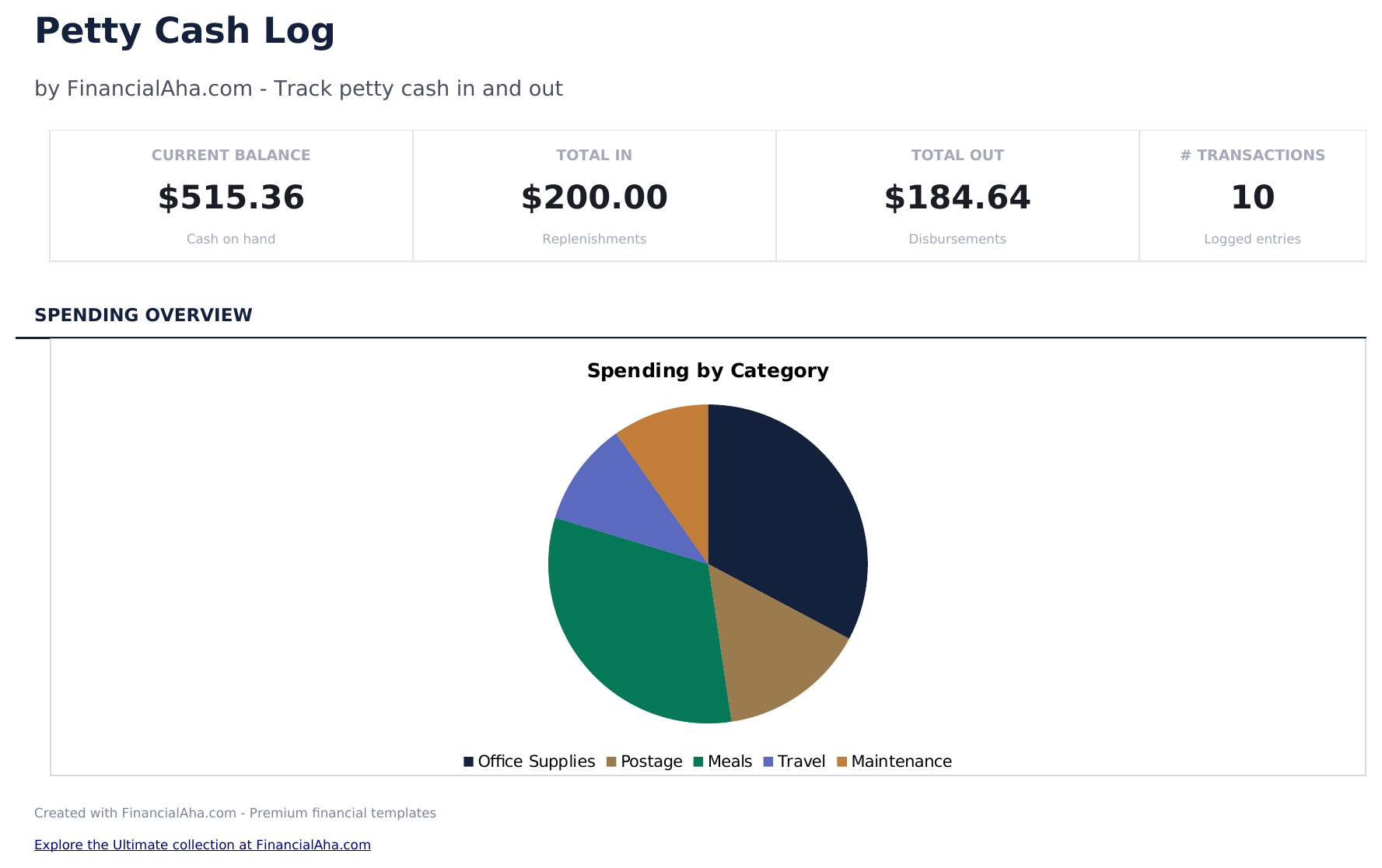
  • Category tracking for each disbursement so petty cash spending can be grouped by office supplies, travel, meals
  • Fund reconciliation support with replenishment entries to reset the cash balance to the original fund amount
  • Color-coded input cells (yellow) and auto-calculated running balance (blue) for accurate cash tracking
  • Works in Microsoft Excel, Google Sheets, and LibreOffice Calc with no setup required

Cómo usar esta plantilla de Petty Cash Log

1

Set the fund amount

Enter the starting petty cash fund balance at the top. This is the amount initially placed in the cash box.

2

Log each disbursement

Record every cash payment with date, payee, description, amount, and category in the cash log.

3

Monitor the balance

The running balance updates after each entry. Check it against the actual cash in the box to verify accuracy.

4

Replenish the fund

When the balance gets low, add a replenishment entry to bring the fund back to the original amount.

Creadas por Claude AI. Perfeccionadas por nosotros.

Usamos Claude AI para crear el borrador de cada plantilla, después de una investigación profunda. Luego nuestro equipo interviene. Refinamos el diseño, probamos cada fórmula a fondo, corregimos casos especiales y pulimos el diseño hasta que se siente como algo que realmente usaríamos nosotros mismos. La IA nos lleva al 80%. El último 20% es criterio humano.

Preguntas frecuentes

How do I reconcile the fund?

Count the physical cash, add up outstanding receipts, and compare to the expected balance in the log. Any difference is a variance to investigate.

What categories should I use?

Common categories include office supplies, postage, meals, parking, and miscellaneous. Use whatever matches your typical small cash expenses.

How often should I replenish?

Replenish when the fund balance gets low - typically when 50% to 75% has been disbursed. The log entry restores the balance to the original amount.

Can I track multiple petty cash funds?

This template covers one fund. Duplicate the file if you maintain separate petty cash funds at different locations or departments.

¿Cómo abro esto en Google Sheets?

Sube el archivo .xlsx a Google Drive y luego ábrelo con Google Sheets. Todas las fórmulas y el formato se conservarán.

Más plantillas Essentials de Business Finance

¿Buscas plantillas premium?

Nuestras plantillas de pago incluyen paneles avanzados con múltiples hojas, gráficos nativos de Excel y actualizaciones continuas.

Privado y seguro

Sus datos financieros permanecen en su dispositivo. Nunca los vemos.

Saber más →

¿Necesita ayuda?

Consulte nuestras guías o contáctenos con preguntas.

Ver FAQ →