Essentials Invoicing & Billing Templates
12 invoicing & billing spreadsheet templates in their fuller Essentials builds, with more worked out for you rather than typed. One-time $19 per template.
Simple Invoice
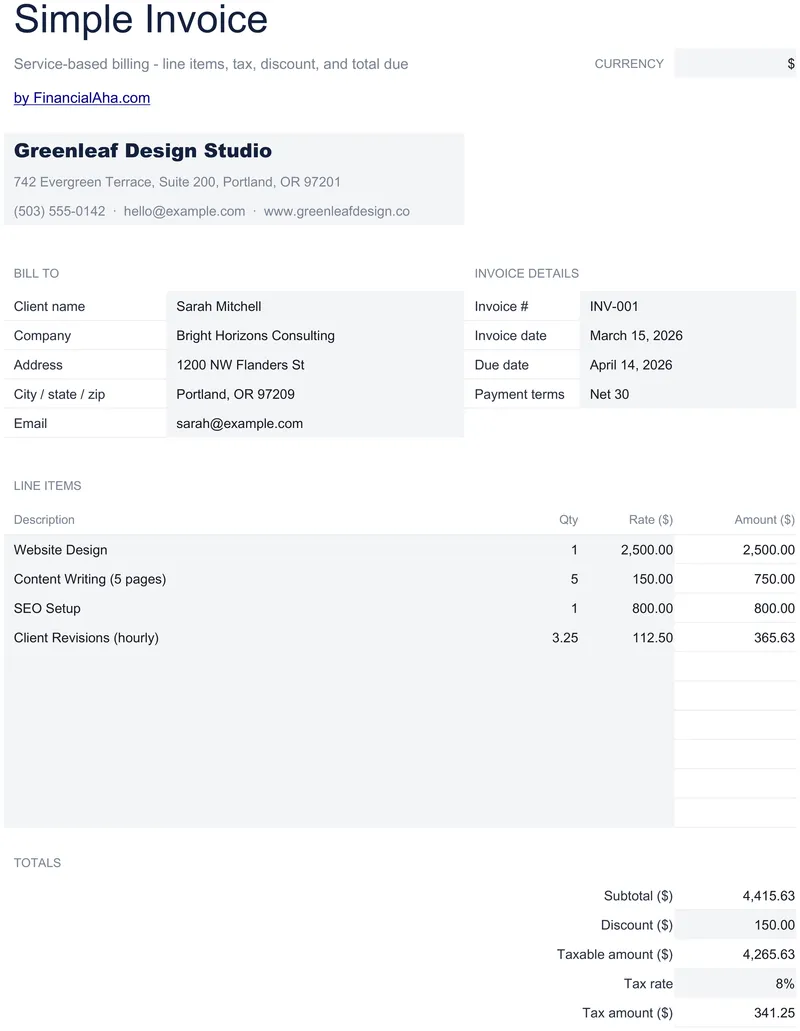
A discount field, subtracted before the tax is worked out, with the taxable amount shown as a line of its own. The Essentials Simple Invoice spreadsheet template takes ten itemised lines that stay blank until both quantity and rate are entered, derives the tax from a rate you set, and leaves blocks for how to pay and what the terms are. One working sheet and a How to Use tab. Google Sheets and Excel in one file. No macros, no VBA.
Service Invoice
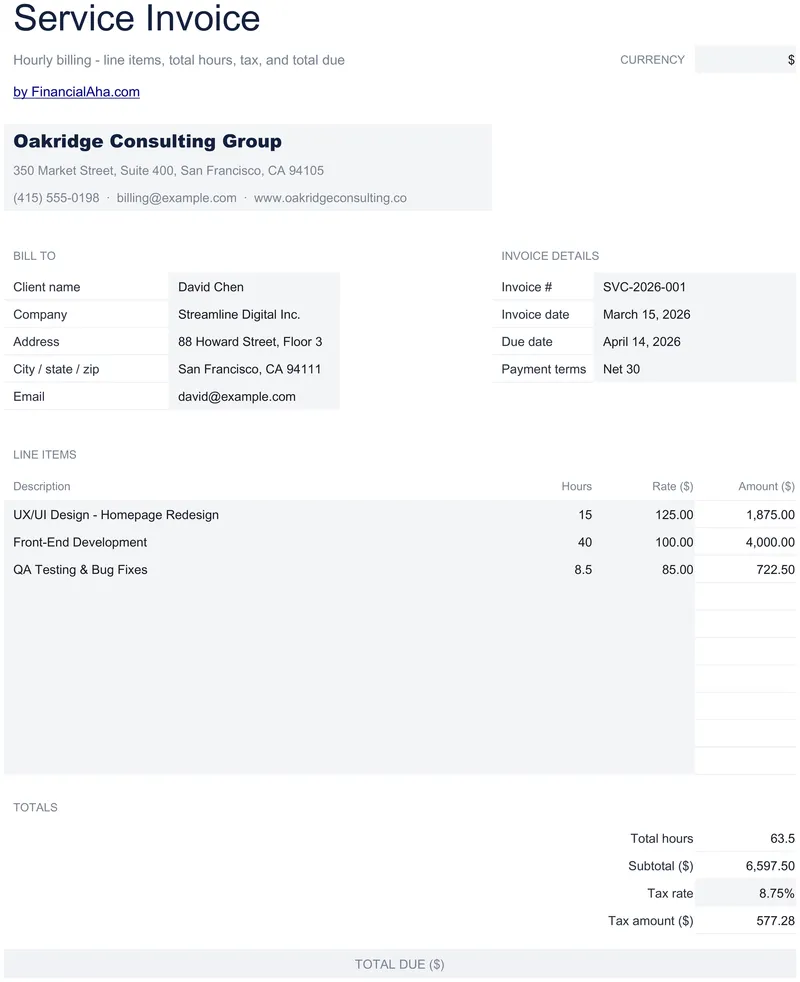
Hours rather than quantities: ten lines carrying a description, the hours and a rate that can differ line to line, with the hours totalled beneath them. Part hours show as part hours instead of being rounded on screen, and an amount stays blank until both hours and rate are in. The Essentials Service Invoice spreadsheet template also carries blocks for how to pay and what the terms are. Two tabs, Google Sheets or Excel. No macros, no VBA.
Sales Invoice
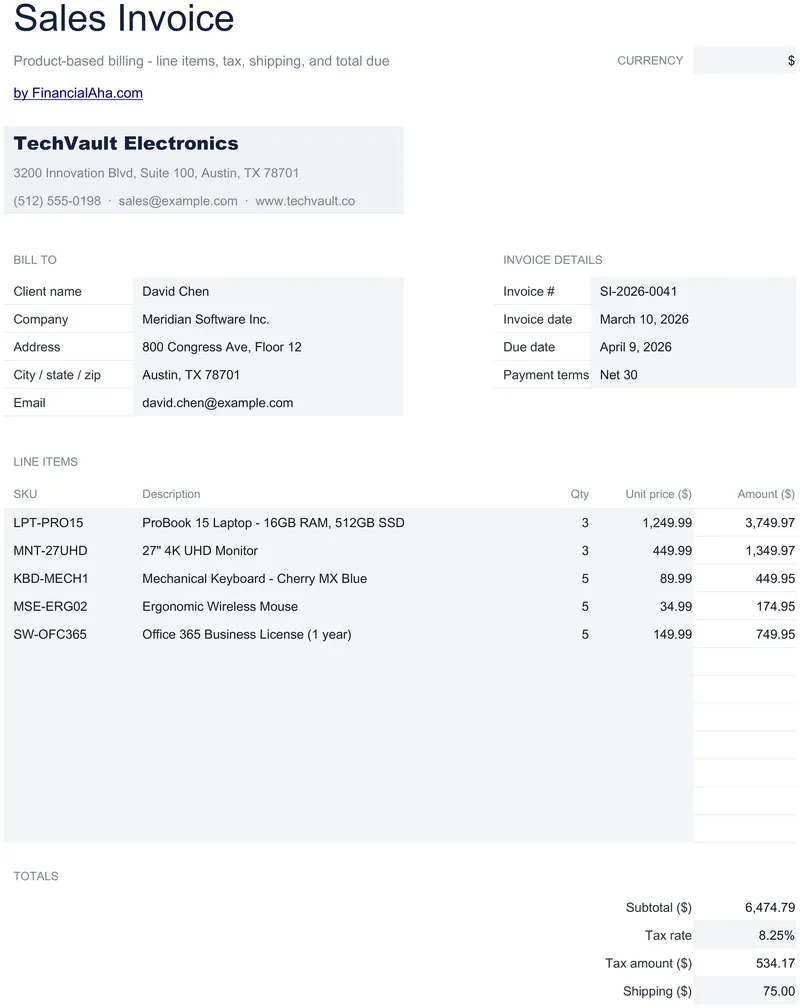
An SKU sits ahead of the description on all twelve line items, and an amount stays blank until both a quantity and a unit price are entered. The Essentials Sales Invoice spreadsheet template records the customer by name, company, address and email, carries an invoice number, invoice date, due date and payment terms, and derives the tax from a rate you set. Shipping has a field of its own. Google Sheets or Excel. No macros, no VBA.
Consultant Invoice
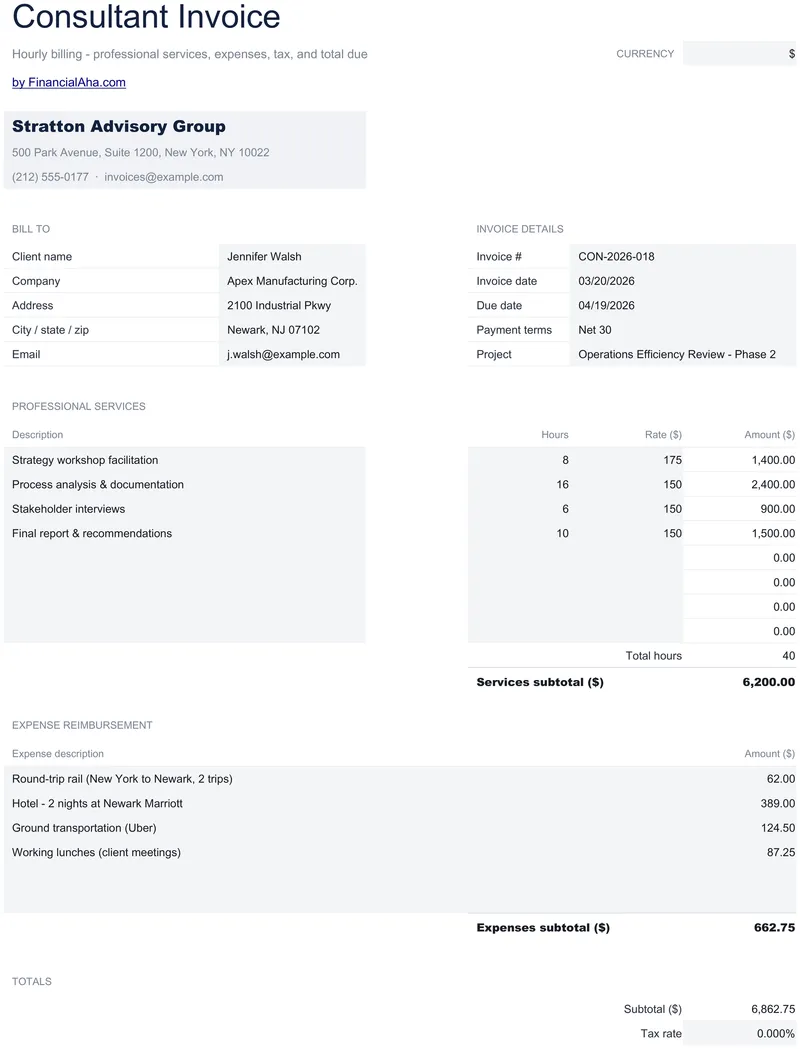
Service lines carry a description, hours and a rate, with the amount staying blank until both are entered and part hours shown as part hours rather than rounded away on screen. The Essentials Consultant Invoice spreadsheet template totals the hours billed beneath those lines and keeps reimbursable expenses in a section of their own, subtotalled apart. Google Sheets and Excel, one file. No macros, no VBA.
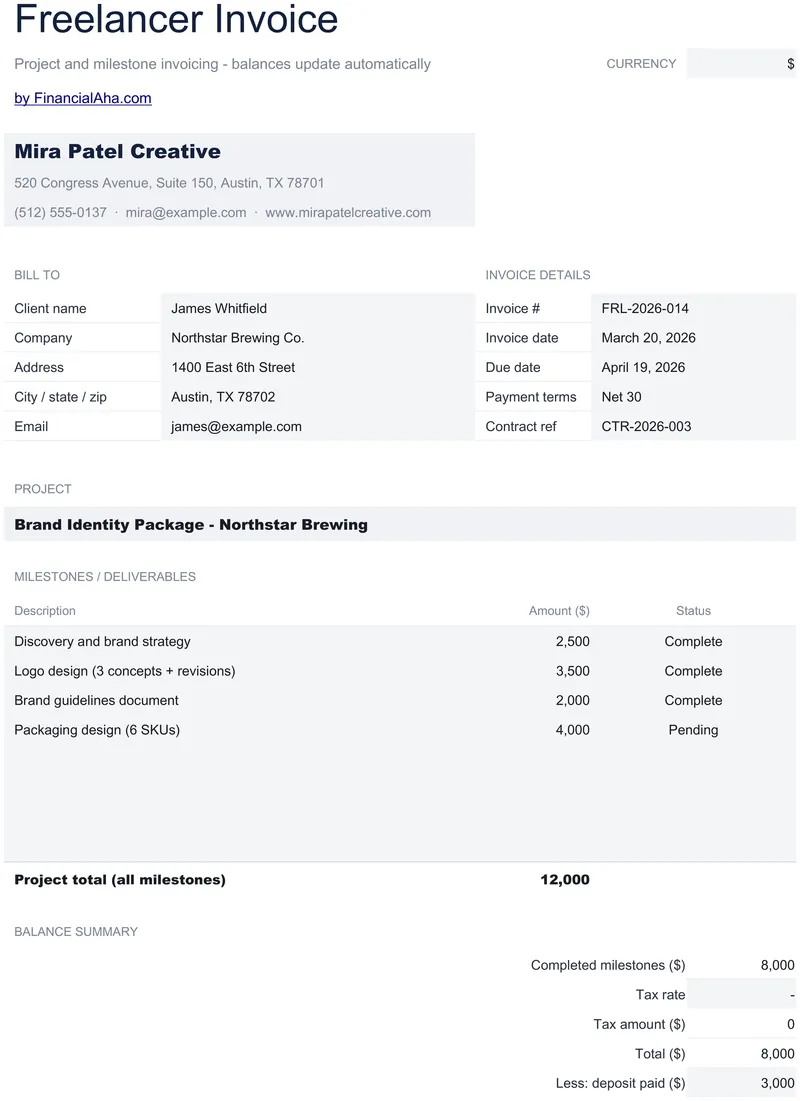
Freelancer Invoice
Eight milestones, each with a description, an amount and a Complete or Pending dropdown, and the invoice bills only the ones marked complete. The Essentials Freelancer Invoice spreadsheet template totals the whole engagement separately so both figures stay visible, then takes off the deposit already paid after the tax. Two tabs, the second a How to Use guide. Google Sheets and Excel, one file. No macros, no VBA.
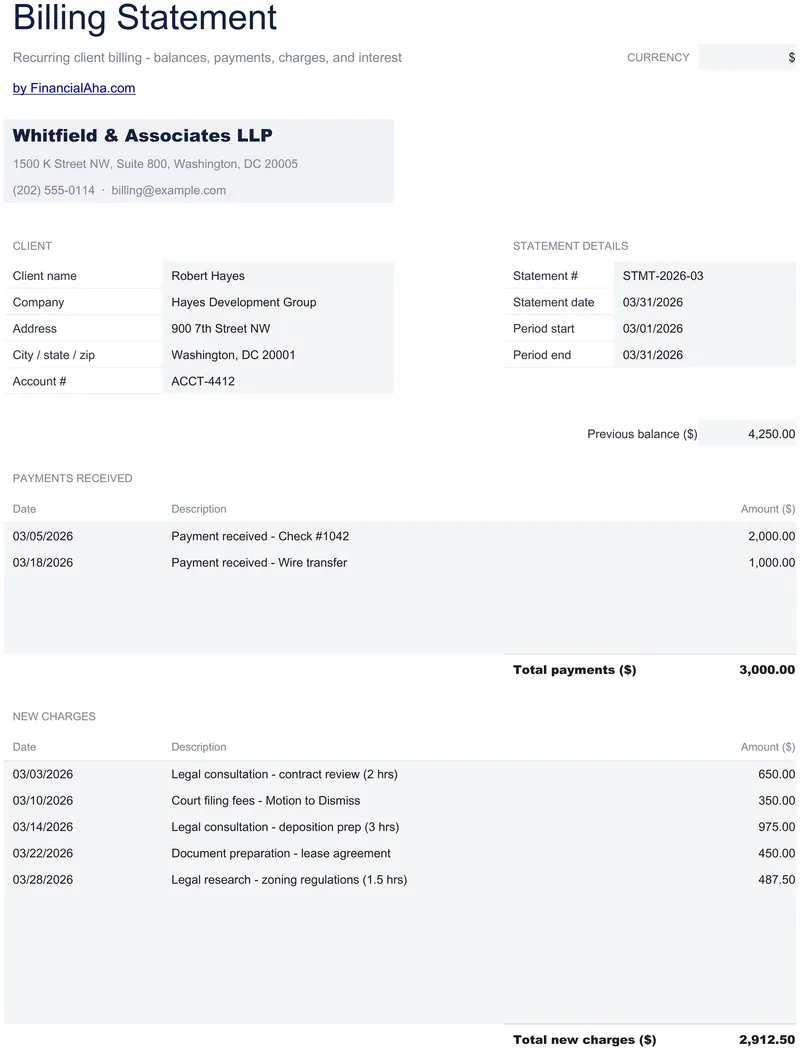
Billing Statement
Client name, company, address and account number recorded properly, a statement number with the period it covers, and the previous balance in a field of its own. The Essentials Billing Statement spreadsheet template keeps payments received and new charges in separate dated blocks, each with its own total, and applies interest to an overdue balance at a rate you set. One printable statement. Google Sheets and Excel. No macros, no VBA.
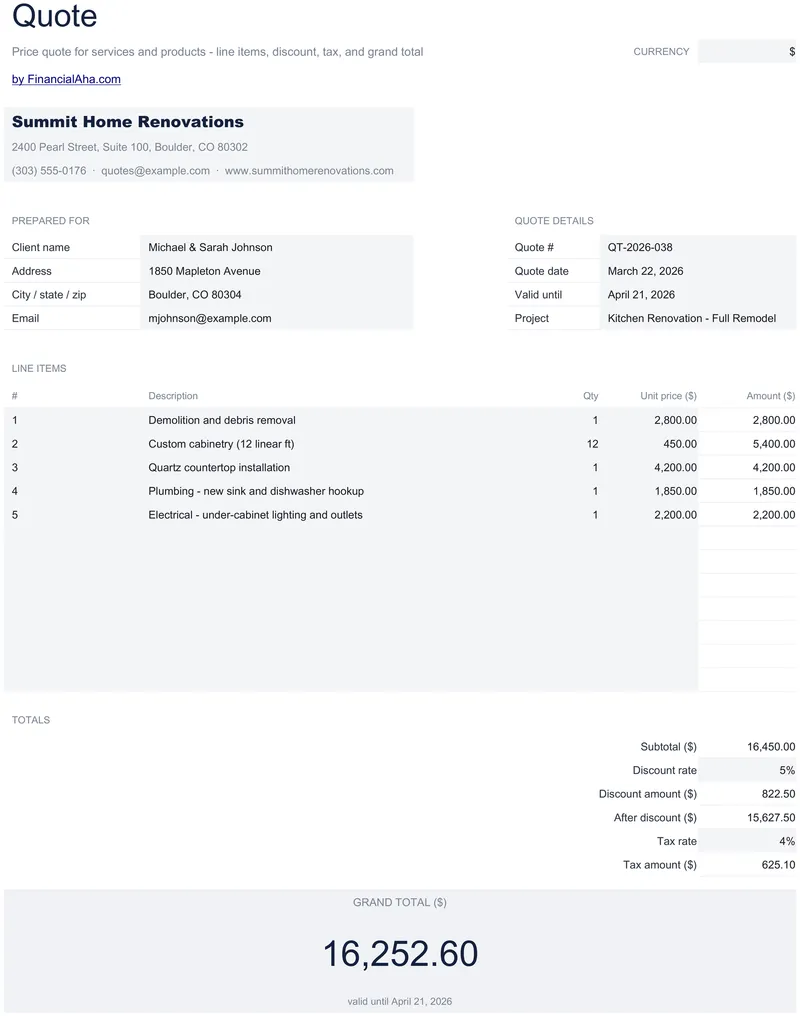
Quote Template
Numbered line items, twelve of them, with quantity, unit price and amount - then a discount as a percentage, shown with the amount it comes to on a line of its own. The Essentials Quote Template spreadsheet applies a tax rate you set rather than a fixed figure, records the client by name, address and email, and keeps the validity date and project reference on the page. Google Sheets and Excel, one file. No macros, no VBA.
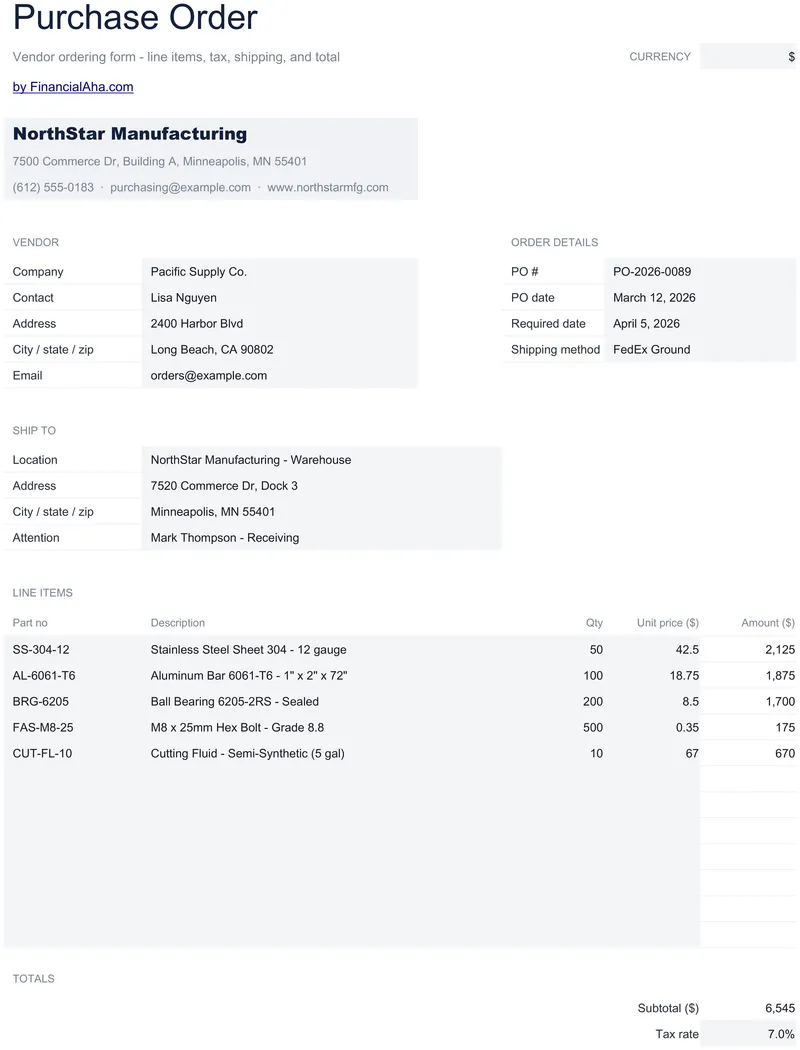
Purchase Order
Twelve lines with a part number on each, the vendor company with a named contact, address and email, and a separate ship-to block with its own address and an attention name for whoever is receiving. The Essentials Purchase Order spreadsheet template records PO number, PO date, required date and shipping method, and prints to one page. Google Sheets and Excel, one file. No macros, no VBA.
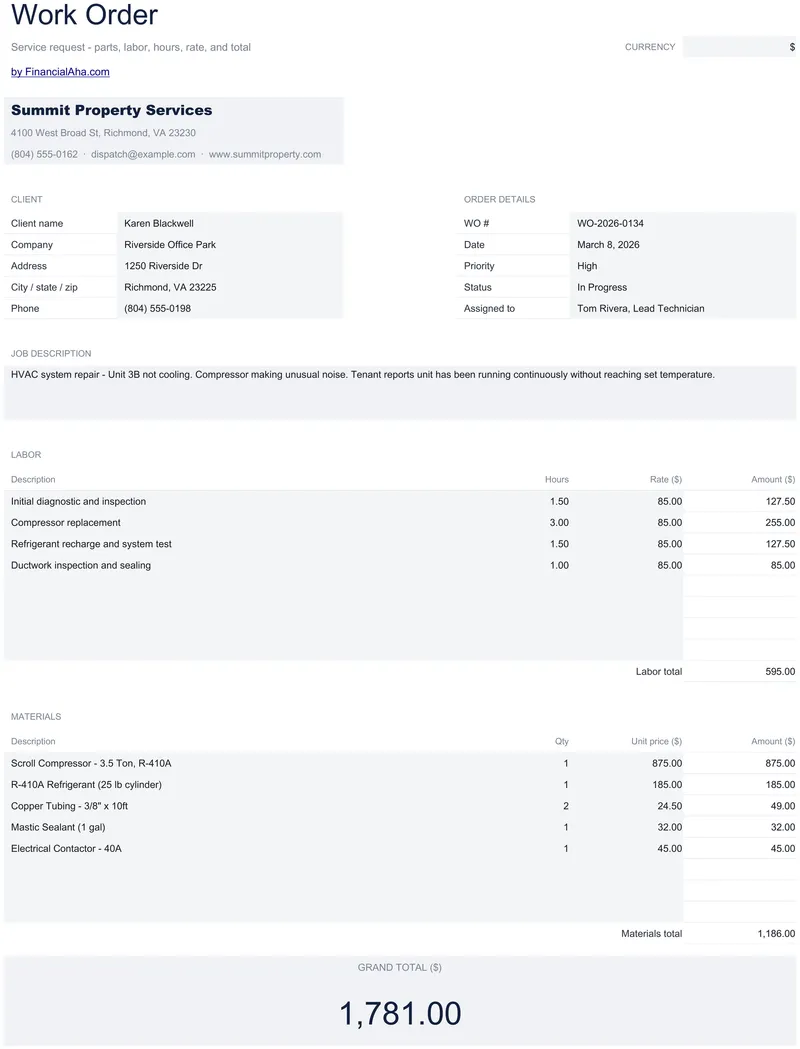
Work Order
Labour lines priced in hours at a rate, material lines priced by quantity and unit price, and each block subtotalled apart before the grand total. The Essentials Work Order spreadsheet template shows part hours as part hours rather than rounding them on screen, and keeps a job description block in prose for what a table cannot carry. One printable sheet. Google Sheets and Excel, one file. No macros, no VBA.
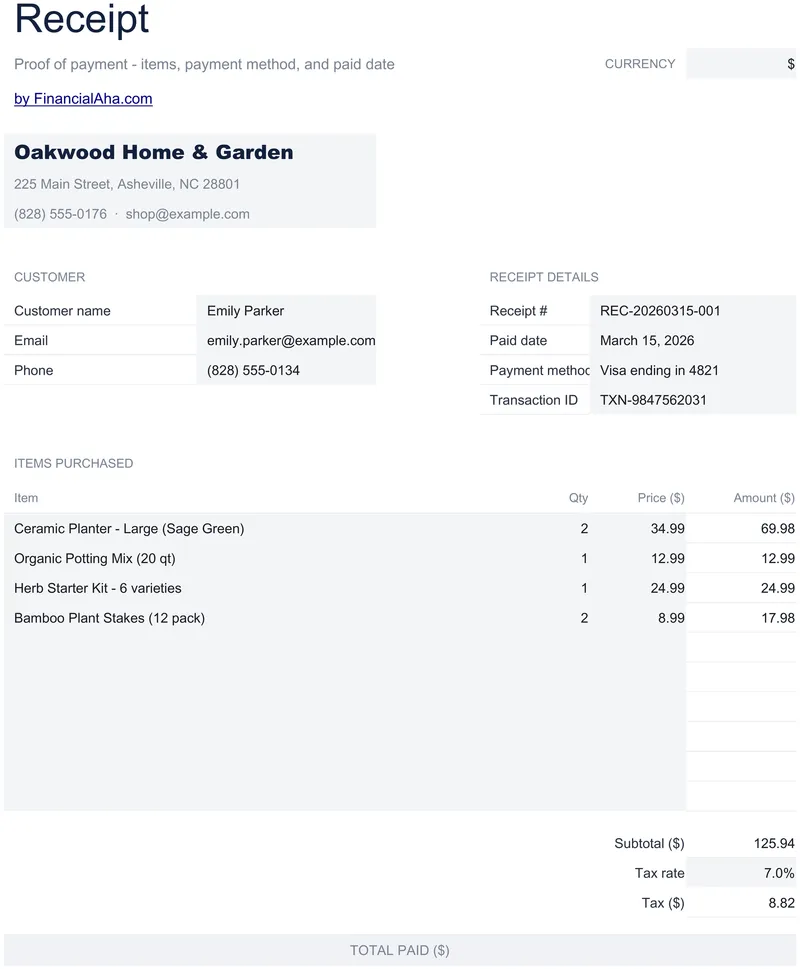
Receipt Template
Ten itemised purchase lines, a tax rate you set with the tax amount derived from it, and the customer recorded properly - name, email and phone. The Essentials Receipt Template spreadsheet keeps the receipt number and the transaction identifier as separate fields, records the paid date and the payment method, and holds the whole document on one working sheet with How to Use behind it. Google Sheets or Excel, one file. No macros, no VBA.
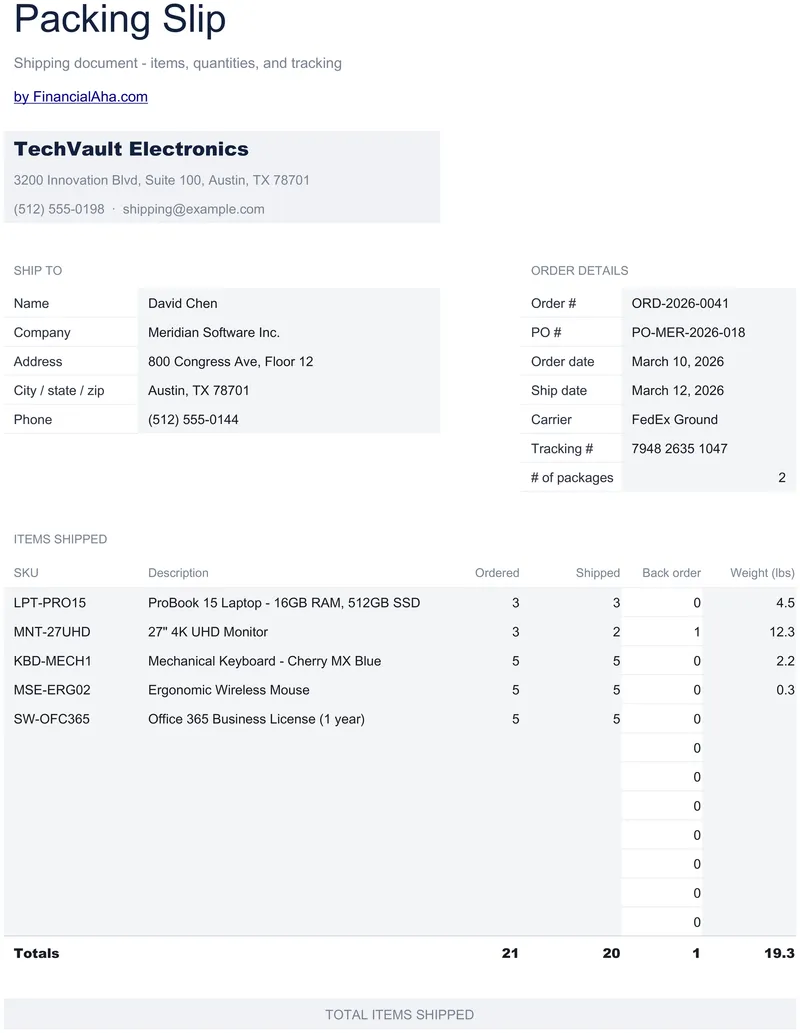
Packing Slip
Twelve item lines, an SKU on each, with the quantity ordered beside the quantity shipped and the back order worked out between them. The Essentials Packing Slip spreadsheet template records the recipient by name, company, address and delivery phone, holds an order number, a purchase order reference and both dates, and carries carrier, tracking number and the number of packages. One printable page, Google Sheets and Excel. No macros, no VBA.
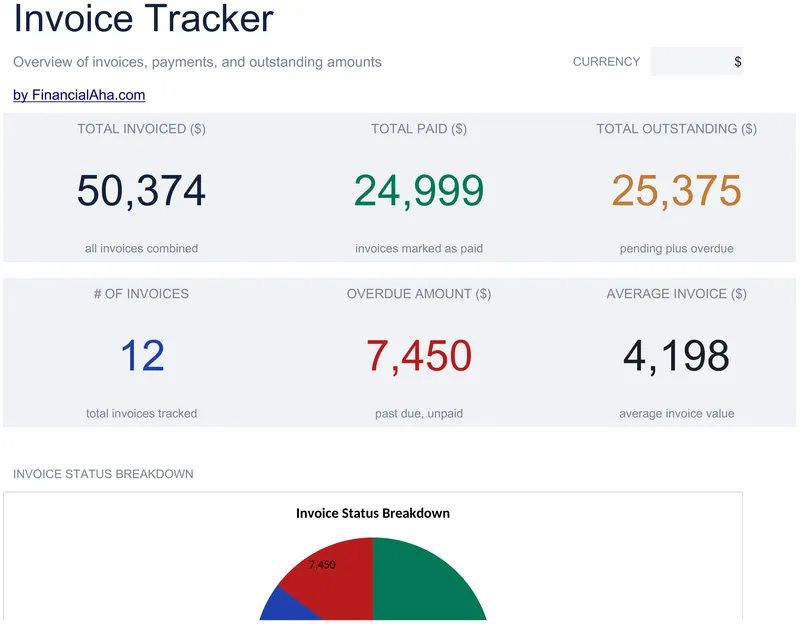
Invoice Tracker
A due date and the date it was actually paid on every one of thirty invoices, with the status coming from a validated dropdown - paid, pending or overdue. The Essentials Invoice Tracker spreadsheet template reports the outstanding balance apart from the overdue amount, puts total invoiced against total paid, and adds an average invoice value and a count. Two working sheets and a chart. Google Sheets and Excel in one file. No macros, no VBA.
Not sure which to pick?
Try the free version of any invoicing & billing template first. When you're ready for the dashboard and extra capacity, upgrade to Essentials - a one-time $19 purchase.