Free Balance Sheet Spreadsheet Template
Prepare a balance sheet with assets, liabilities, and equity sections. A standard financial statement for any business or organization.
What's Included
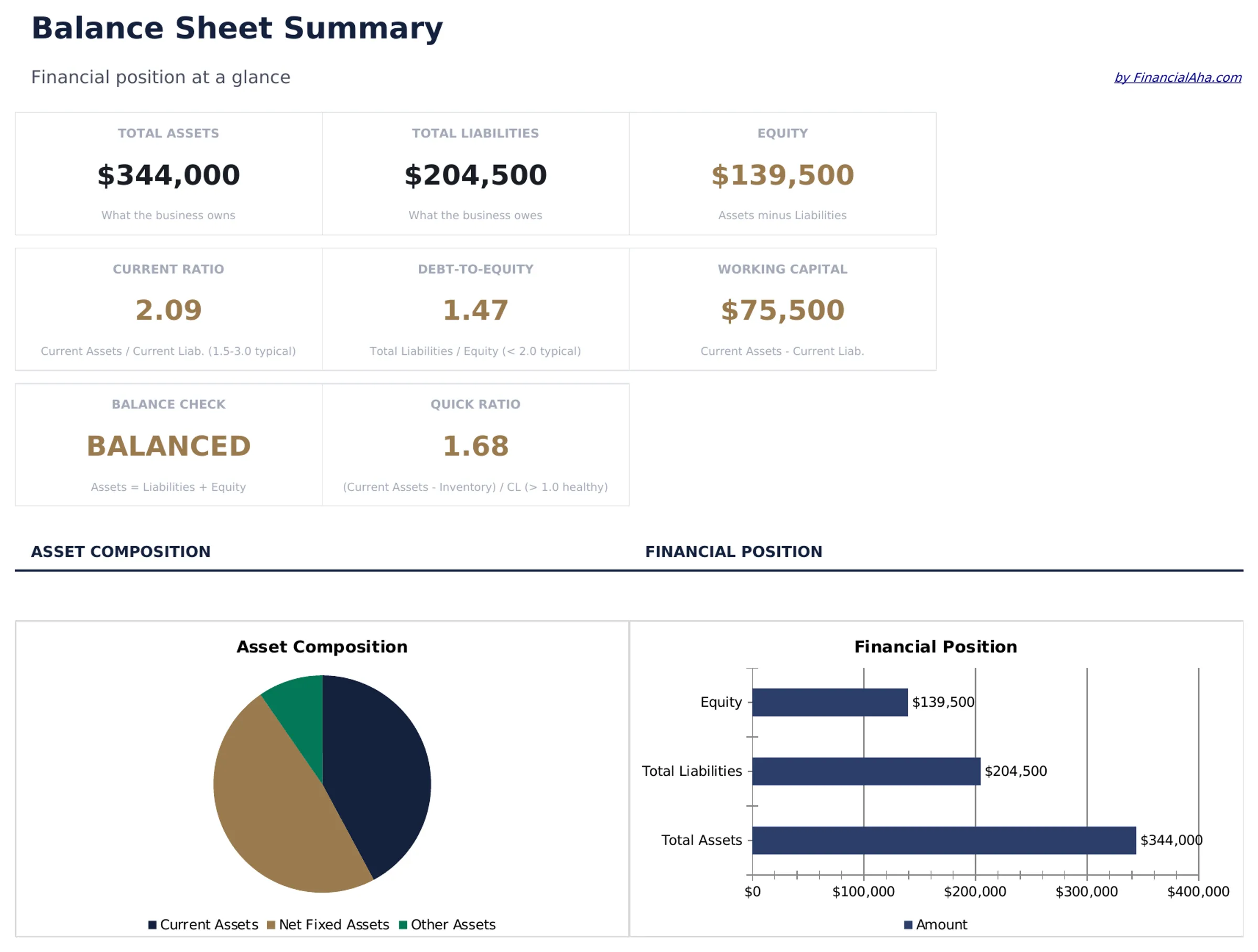
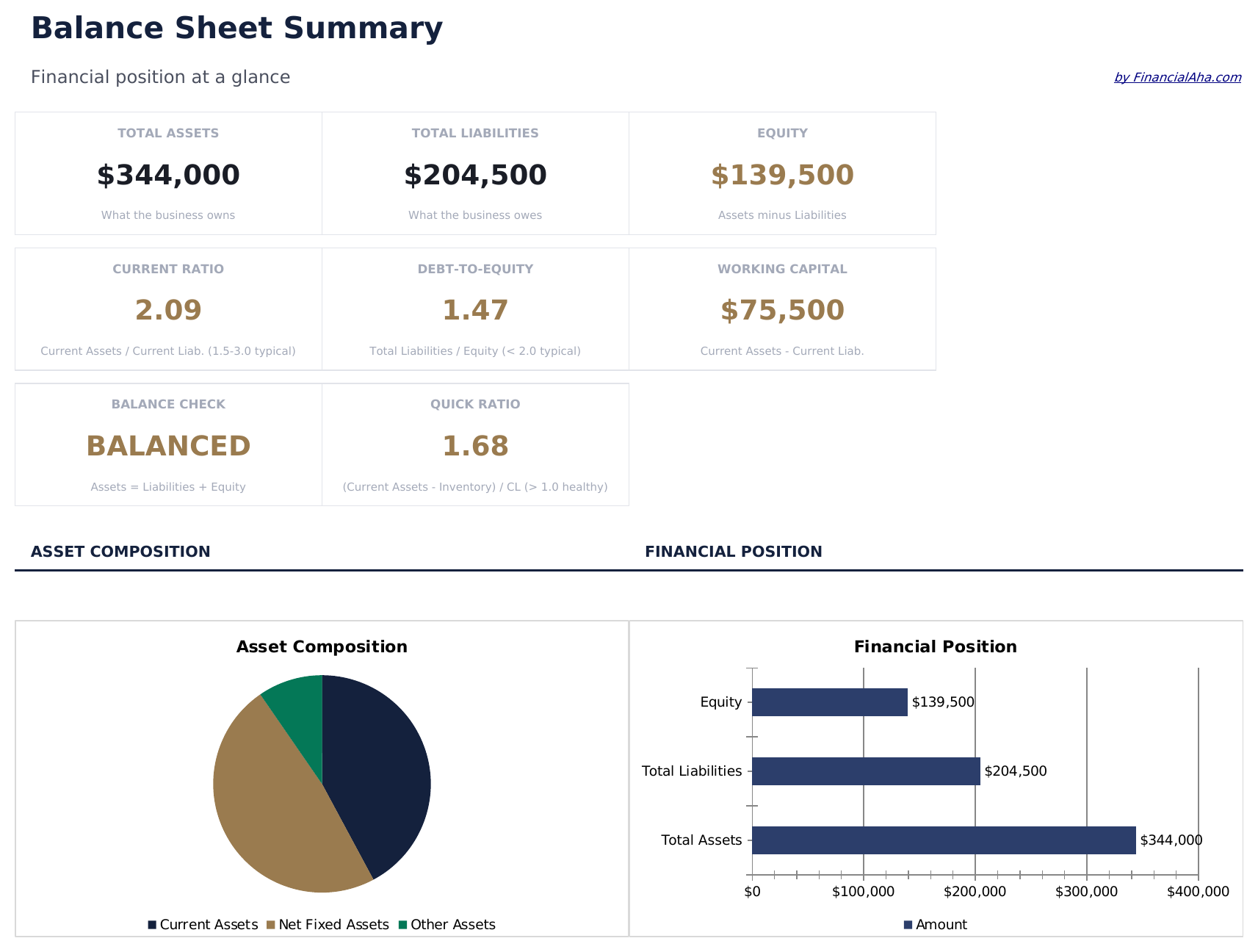
- Dashboard with financial position summary showing total assets, total liabilities, and total equity at a glance
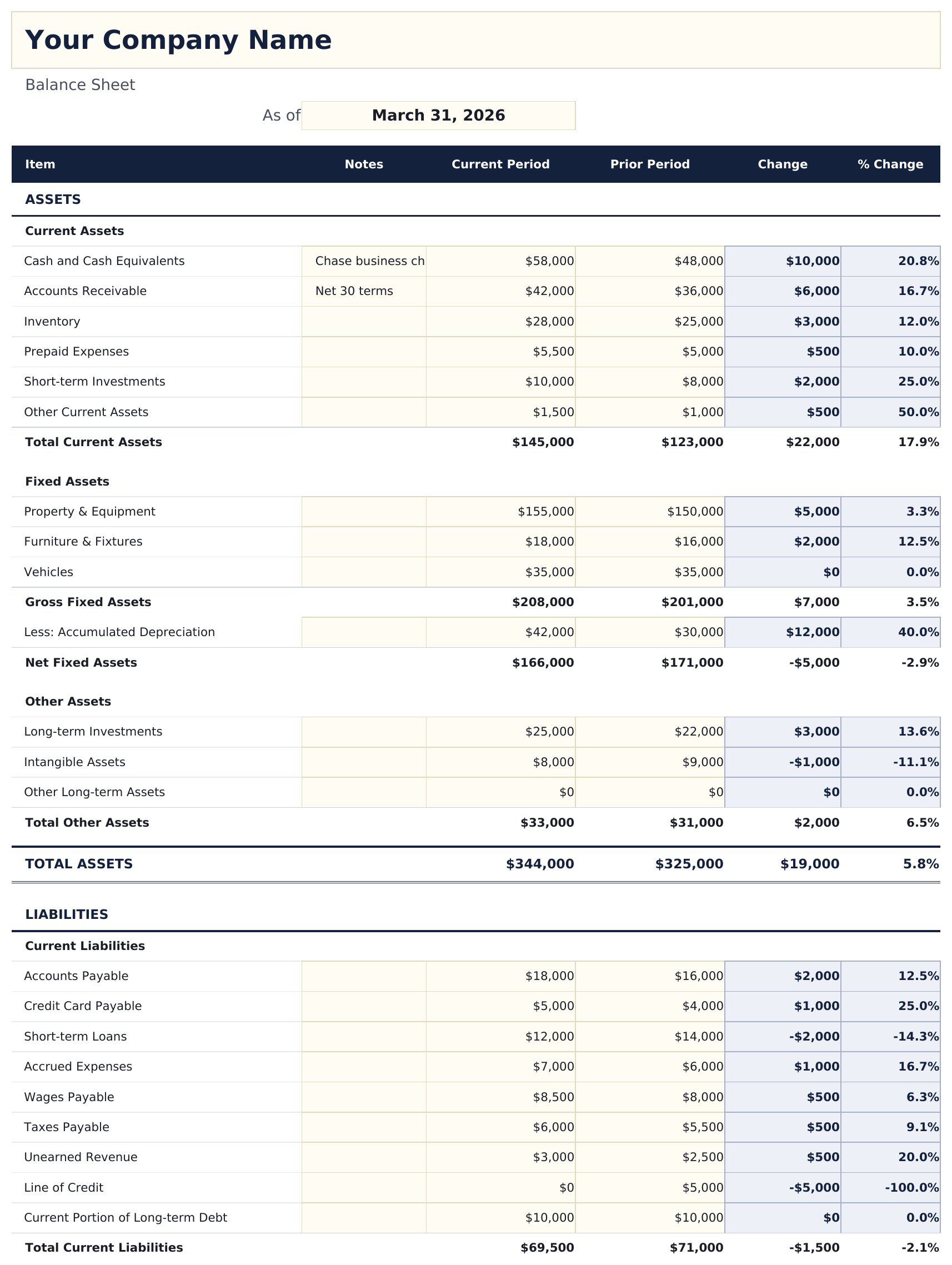
- Balance sheet in standard accounting format with current assets, fixed assets, current liabilities, and long-term debt
- Current and long-term asset sections covering cash, accounts receivable, inventory, equipment, and property
- Liability and equity breakdowns with accounts payable, loans, retained earnings, and owner equity line items
- Automatic balancing verification that confirms total assets equal total liabilities plus equity with color-coded cells
- Works in Microsoft Excel, Google Sheets, and LibreOffice Calc with no setup required
Preview
See what's inside this template
How to Use This Balance Sheet Template
Enter assets
List current assets (cash, receivables, inventory) and fixed assets (equipment, property) with their current values.
Enter liabilities
Add current liabilities (payables, short-term debt) and long-term liabilities (loans, mortgages) with outstanding balances.
Enter equity
Fill in owner equity, retained earnings, and any other equity accounts in the equity section.
Verify the balance
Total assets must equal total liabilities plus equity. The template flags any imbalance automatically.
Built by Claude AI. Perfected by us.
We use Claude AI to draft each free template, after a deep research. Then our team steps in. We refine the layout, stress-test every formula, fix edge cases, and polish the design until it feels like something we would actually use ourselves. The AI gets us 80% there. The last 20% is all human judgment.
Frequently Asked Questions
What does it mean to "balance"?
Assets must equal liabilities plus equity. This fundamental accounting equation means everything the business owns is funded by either debt or owner investment.
What counts as a current asset?
Current assets are expected to be converted to cash within one year - cash on hand, accounts receivable, inventory, and prepaid expenses.
Where do retained earnings go?
Retained earnings appear in the equity section. They represent cumulative profits that have been reinvested in the business rather than distributed.
Can I compare two periods?
Yes. Add a second column for the prior period. Side-by-side balance sheets show how the financial position changed over time.
How do I open this in Google Sheets?
Upload the .xlsx file to Google Drive, then open it with Google Sheets. All formulas and formatting will be preserved.
What license is this template under?
All free templates are released under CC BY 4.0 (Creative Commons Attribution). You can use, modify, and share them freely - including for commercial purposes - as long as you credit FinancialAha.com. They are provided as-is and do not constitute financial advice.
More Free Business Finance Templates
Looking for premium spreadsheet templates?
Our paid templates include advanced multi-sheet dashboards, native Excel charts, and ongoing updates.