أفضل قيمة حزمة التخطيط المالي الشاملة
✓ التخطيط المالي✓ متتبع صافي الثروة✓ الميزانية الشهرية✓ مخطط ميزانية السفر✓ مخطط الميزانية السنوية✓ متتبع النفقات الشهرية✓ مخطط الضرائب السنوي✓ تخطيط التقاعد
عرض الحزمة →
قالب احترافي - Excel و Google Sheets

Service Invoice قالب Essentials

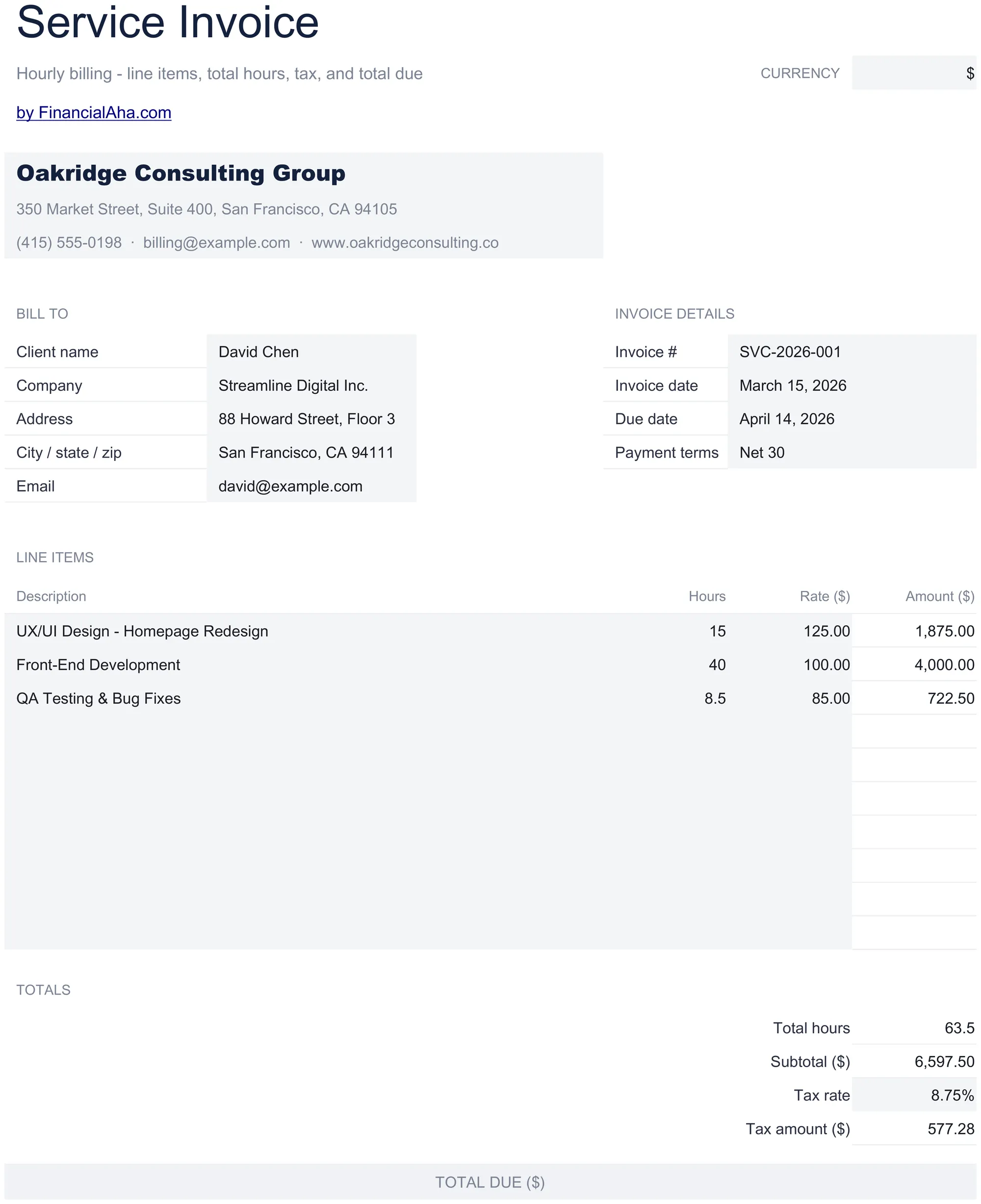
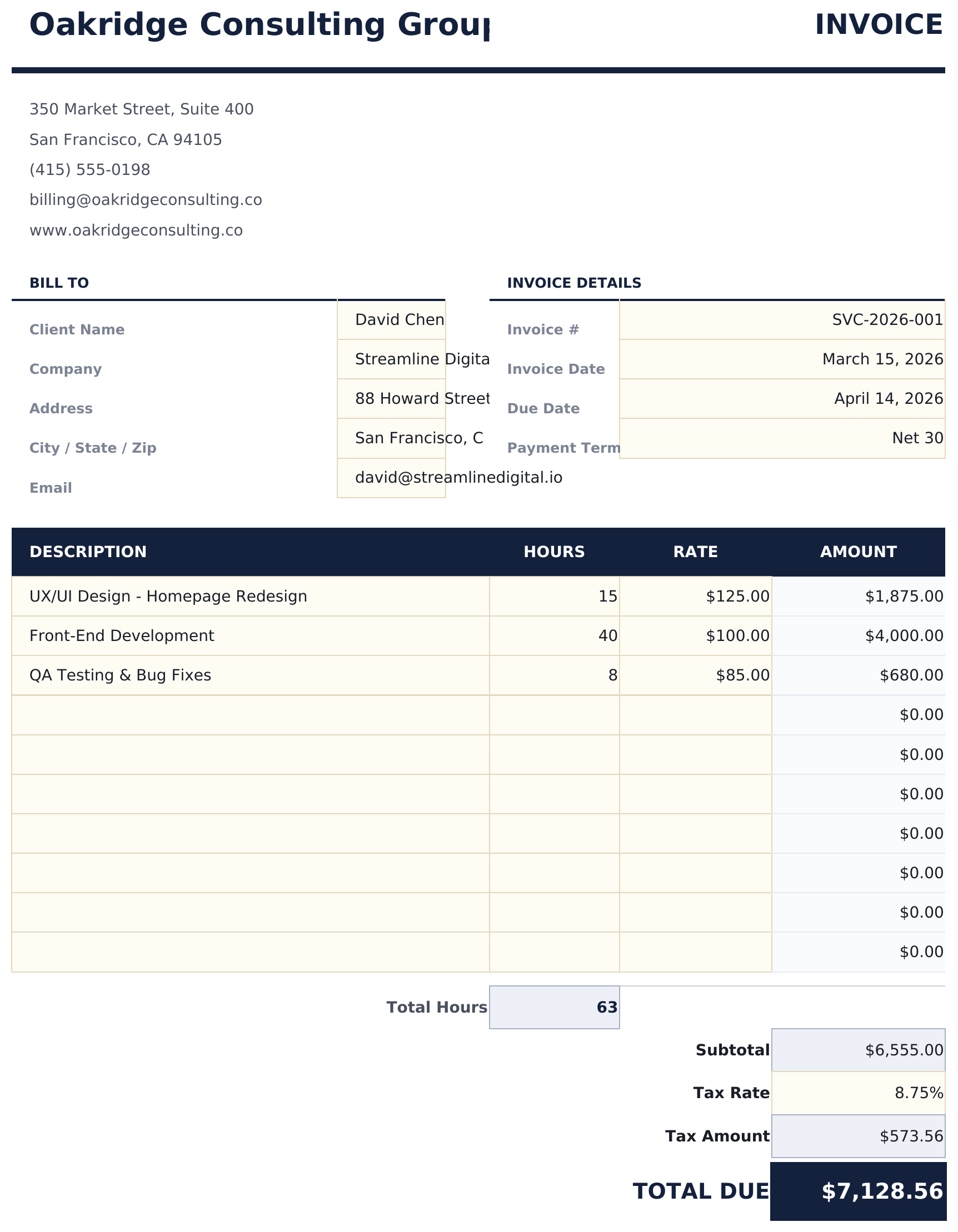
Invoice template designed for service-based billing. List services with hourly rates and hours worked - totals update automatically.

Service Invoice preview

ماذا يتضمن

  • Service-focused invoice layout with fields optimized for hourly billing and project-based service work
  • Hourly rate and hours worked columns that multiply automatically to calculate the total per service line
  • Automatic subtotal, tax, and grand total calculations that update as you add or modify service entries
  • Service description fields with room for detailed notes about the scope of work performed for each line
  • Payment terms section with due date, accepted methods, and late fee details in a print-ready format
  • Works in Microsoft Excel, Google Sheets, and LibreOffice Calc with no setup required

كيفية استخدام قالب Service Invoice هذا

1

Add business details

Enter your business name, address, and contact information in the header. Include your invoice number and date.

2

Enter client information

Fill in the client name, address, and any project or reference number for the engagement.

3

List services rendered

For each service, enter a description, hourly rate, and hours worked. The line total multiplies rate by hours automatically.

4

Send the invoice

Review the subtotal, tax, and grand total. Add payment terms and due date, then print or export to PDF.

صُممت بواسطة Claude AI. أتقنّاها نحن.

نستخدم Claude AI لصياغة كل قالب بعد بحث معمّق. ثم يتدخل فريقنا. نحسّن التصميم، ونختبر كل صيغة، ونعالج الحالات الاستثنائية، وننقّح التصميم حتى يصبح شيئاً نستخدمه نحن فعلاً. الذكاء الاصطناعي يوصلنا إلى 80%. الـ 20% المتبقية هي حكم بشري بالكامل.

الأسئلة الشائعة

Can I mix hourly and flat-rate items?

Yes. For flat-rate services, enter 1 as the quantity and the flat fee as the rate. The line total will show the correct amount.

Where do I add payment terms?

The payment terms section at the bottom includes fields for due date, accepted payment methods, and late fee policy.

Can I describe the scope of work?

Yes. The description field for each service line has room for detailed notes about the work performed.

Does it handle multiple billing periods?

Each invoice covers one billing period. Create a new invoice for each period and reference the dates in the billing period field.

كيف أفتح هذا في Google Sheets؟

ارفع ملف .xlsx إلى Google Drive، ثم افتحه باستخدام Google Sheets. جميع الصيغ والتنسيقات ستبقى محفوظة.

المزيد من قوالب Essentials في Invoicing & Billing

تبحث عن قوالب جداول بيانات احترافية؟

القوالب المدفوعة تشمل لوحات معلومات متعددة الأوراق متقدمة، ورسوم بيانية أصلية في Excel، وتحديثات مستمرة.

خاص وآمن

بياناتك المالية تبقى على جهازك. نحن لا نراها أبداً.

تعرف على المزيد →

هل تحتاج مساعدة؟

راجع أدلتنا أو تواصل معنا لأي أسئلة.

عرض الأسئلة الشائعة →