Miglior valore Pacchetto Completo di Pianificazione Finanziaria
✓ Pianificazione Finanziaria✓ Tracker Patrimonio Netto✓ Budget Mensile✓ Pianificatore Budget Viaggio✓ Pianificatore Budget Annuale✓ Tracker Spese Mensili✓ Pianificatore Fiscale Annuale✓ Pianificazione Pensione
Vedi pacchetto →
Modello Essentials - Excel e Google Sheets

Service Invoice Modello Essentials

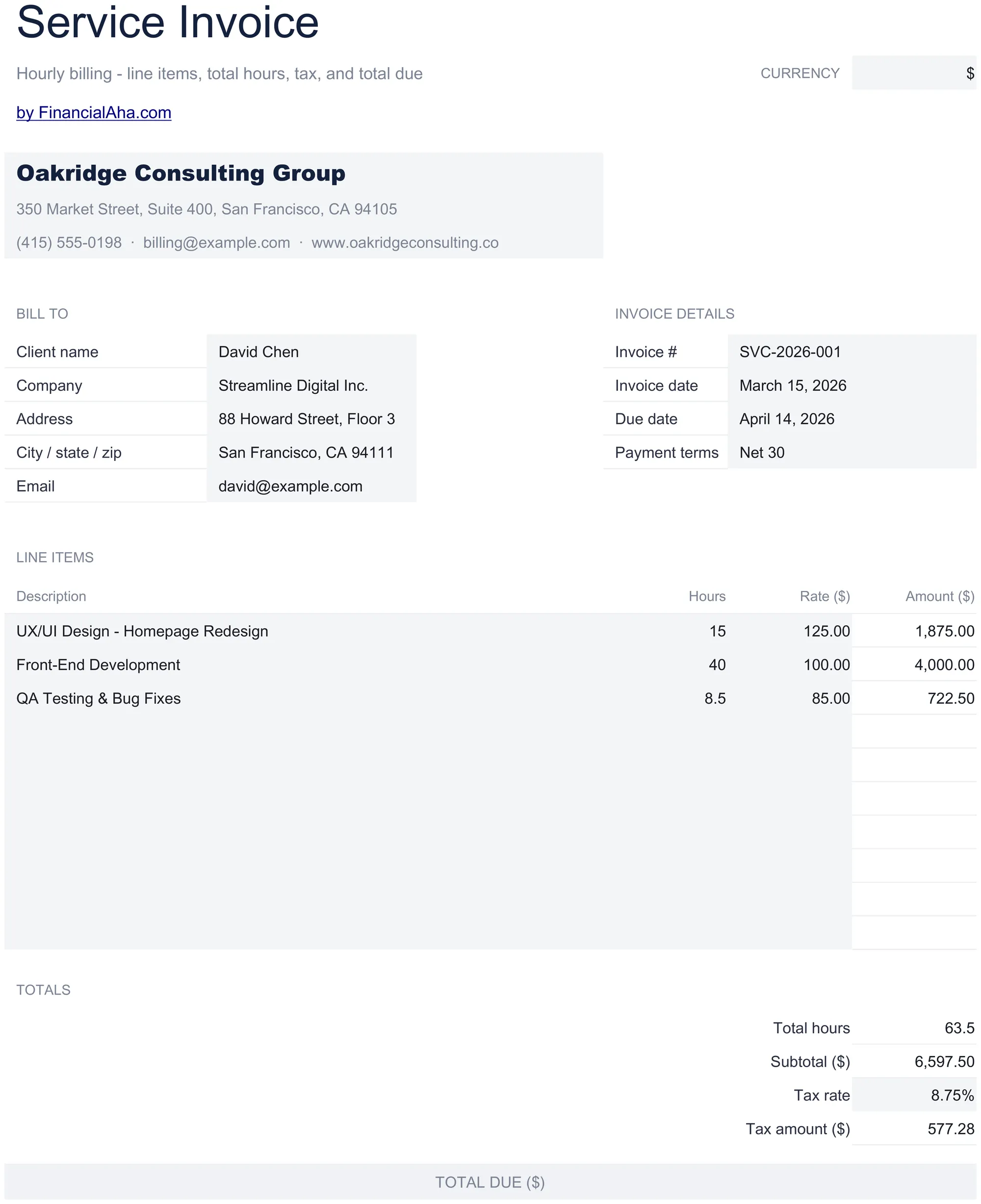
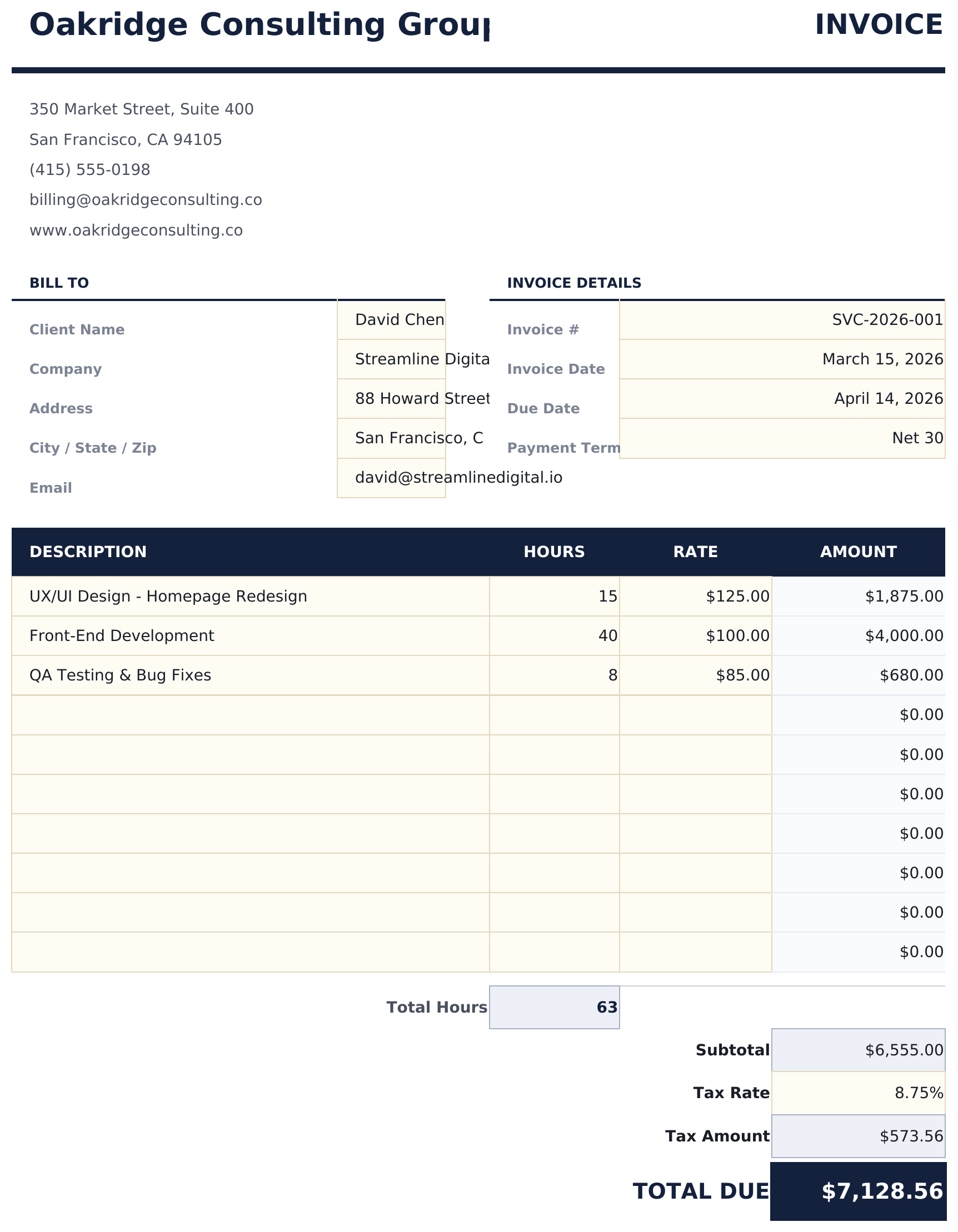
Invoice template designed for service-based billing. List services with hourly rates and hours worked - totals update automatically.

Service Invoice preview

Cosa include

  • Service-focused invoice layout with fields optimized for hourly billing and project-based service work
  • Hourly rate and hours worked columns that multiply automatically to calculate the total per service line
  • Automatic subtotal, tax, and grand total calculations that update as you add or modify service entries
  • Service description fields with room for detailed notes about the scope of work performed for each line
  • Payment terms section with due date, accepted methods, and late fee details in a print-ready format
  • Works in Microsoft Excel, Google Sheets, and LibreOffice Calc with no setup required

Come usare questo modello Service Invoice

1

Add business details

Enter your business name, address, and contact information in the header. Include your invoice number and date.

2

Enter client information

Fill in the client name, address, and any project or reference number for the engagement.

3

List services rendered

For each service, enter a description, hourly rate, and hours worked. The line total multiplies rate by hours automatically.

4

Send the invoice

Review the subtotal, tax, and grand total. Add payment terms and due date, then print or export to PDF.

Creati da Claude AI. Perfezionati da noi.

Utilizziamo Claude AI per creare ogni modello, dopo una ricerca approfondita. Poi interviene il nostro team. Miglioriamo il layout, testiamo ogni formula, correggiamo i casi limite e rifiniamo il design fino a ottenere qualcosa che useremmo noi stessi. L'AI ci porta all'80%. L'ultimo 20% è tutto giudizio umano.

Domande frequenti

Can I mix hourly and flat-rate items?

Yes. For flat-rate services, enter 1 as the quantity and the flat fee as the rate. The line total will show the correct amount.

Where do I add payment terms?

The payment terms section at the bottom includes fields for due date, accepted payment methods, and late fee policy.

Can I describe the scope of work?

Yes. The description field for each service line has room for detailed notes about the work performed.

Does it handle multiple billing periods?

Each invoice covers one billing period. Create a new invoice for each period and reference the dates in the billing period field.

Come posso aprirlo in Google Sheets?

Carica il file .xlsx su Google Drive, poi aprilo con Google Sheets. Tutte le formule e la formattazione saranno conservate.

Altri modelli Essentials Invoicing & Billing

Cerchi modelli di fogli di calcolo premium?

I nostri modelli a pagamento includono dashboard multi-foglio avanzate, grafici nativi Excel e aggiornamenti continui.

Privato e sicuro

I tuoi dati finanziari restano sul tuo dispositivo. Non li vediamo mai.

Scopri di piu →

Hai bisogno di aiuto?

Consulta le nostre guide o contattaci per domande.

Vedi FAQ →