Free Tax Deduction Tracker Spreadsheet Template
Log tax-deductible expenses throughout the year. Organize deductions by category for easier tax preparation.
What's Included
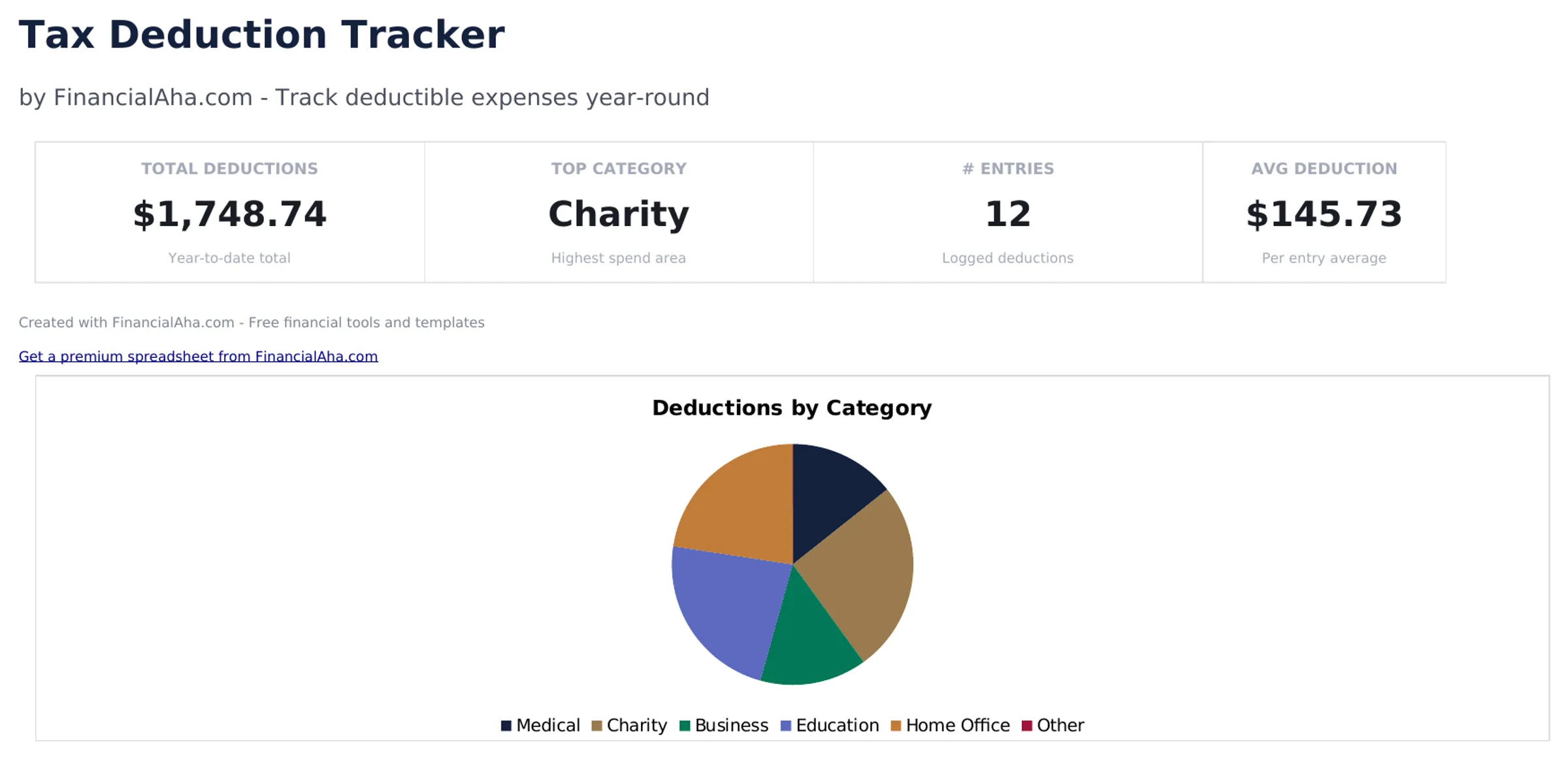
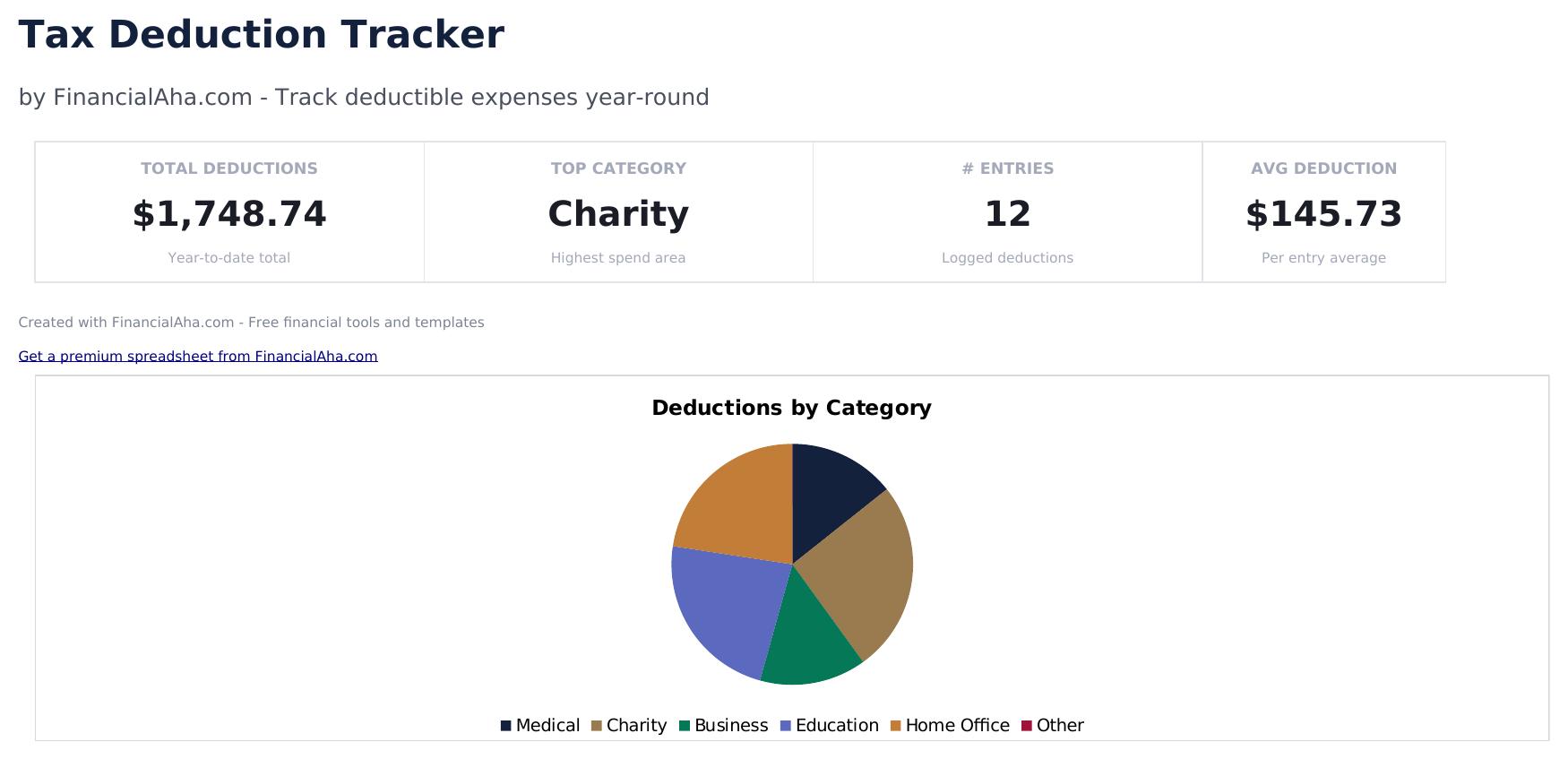
- Dashboard with deduction totals by category showing medical, charitable, business, education, and other deduction sums
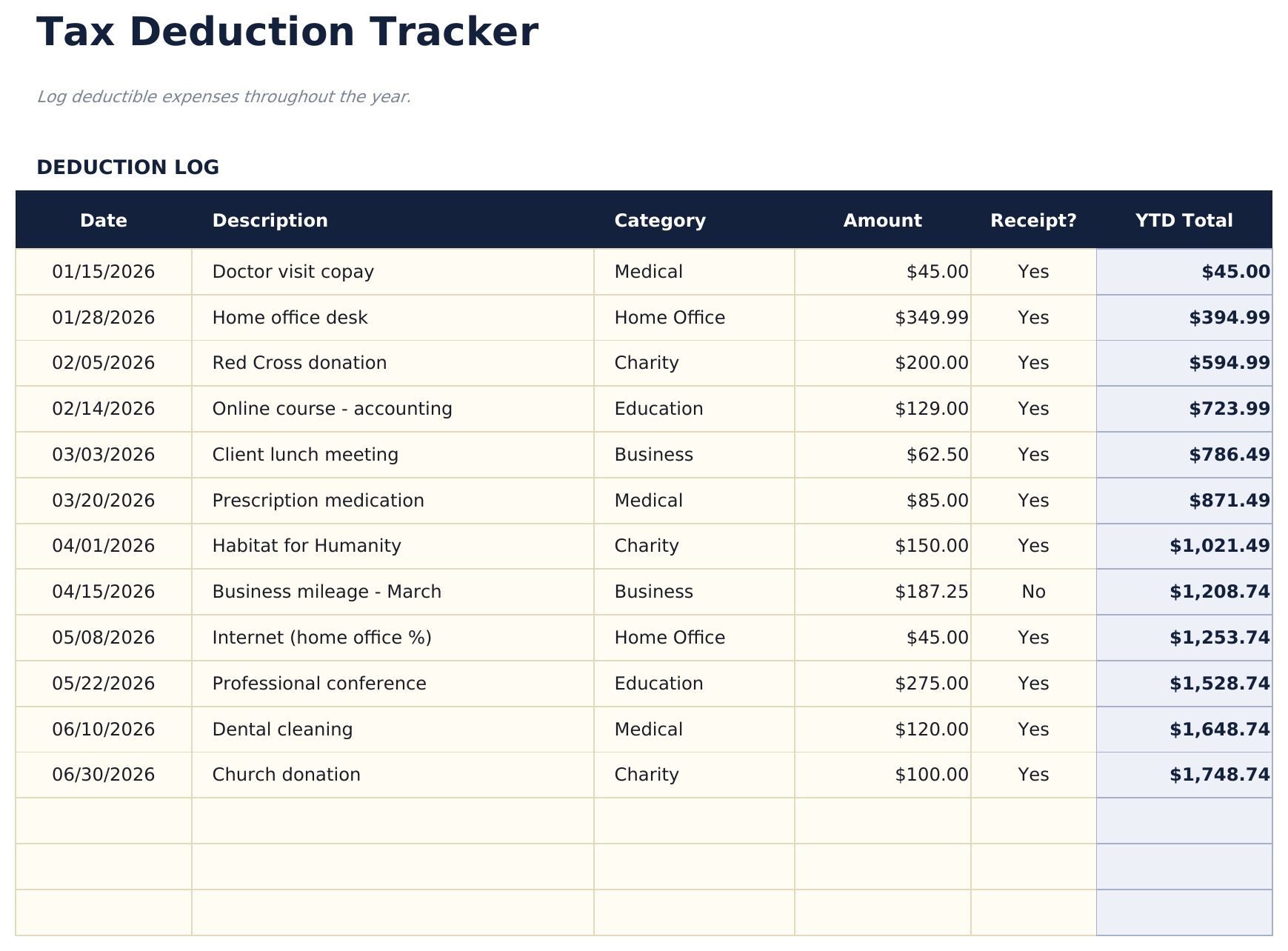
- Deductions log with date, payee, description, amount, and category columns for recording each deductible expense
- Category groupings matching common tax form line items such as Schedule A, Schedule C, and education credits
- Receipt reference tracking with fields for receipt number or file name linked to each deduction entry
- Annual deduction summary with color-coded input cells (yellow) and auto-calculated category totals (blue)
- Works in Microsoft Excel, Google Sheets, and LibreOffice Calc with no setup required
Preview
See what's inside this template
How to Use This Tax Deduction Tracker Template
Log each deduction
Enter the date, payee, description, amount, and category for every tax-deductible expense throughout the year.
Categorize by tax form
Assign each deduction to the matching tax category - Schedule A itemized, Schedule C business, education credits, or other.
Attach receipt references
Record the receipt number or file name for each entry so documentation is easy to find at tax time.
Review category totals
The dashboard shows deduction totals by category, making it easy to transfer figures to tax forms or share with a preparer.
Built by Claude AI. Perfected by us.
We use Claude AI to draft each free template, after a deep research. Then our team steps in. We refine the layout, stress-test every formula, fix edge cases, and polish the design until it feels like something we would actually use ourselves. The AI gets us 80% there. The last 20% is all human judgment.
Frequently Asked Questions
What categories are included?
Categories include medical, charitable giving, mortgage interest, state and local taxes, business expenses, and education. Rename or add categories for your situation.
Do I need to track receipts?
The IRS requires documentation for deductions. The receipt reference field links each entry to its proof of payment for audit preparedness.
When should I start tracking?
Start at the beginning of the tax year and log deductible expenses throughout the year. Doing it as expenses occur is easier than reconstructing at year end.
Does it tell me if I should itemize?
The template totals your deductions so you can compare to the standard deduction. If your total exceeds the standard deduction, itemizing may be beneficial.
How do I open this in Google Sheets?
Upload the .xlsx file to Google Drive, then open it with Google Sheets. All formulas and formatting will be preserved.
What license is this template under?
All free templates are released under CC BY 4.0 (Creative Commons Attribution). You can use, modify, and share them freely - including for commercial purposes - as long as you credit FinancialAha.com. They are provided as-is and do not constitute financial advice.
More Free Tax Planning Templates
Looking for premium spreadsheet templates?
Our paid templates include advanced multi-sheet dashboards, native Excel charts, and ongoing updates.