Free Zero-Based Budget Spreadsheet Template
Assign every dollar of income to a specific category until the balance reaches zero. Designed for people who want full control over each dollar.
What's Included
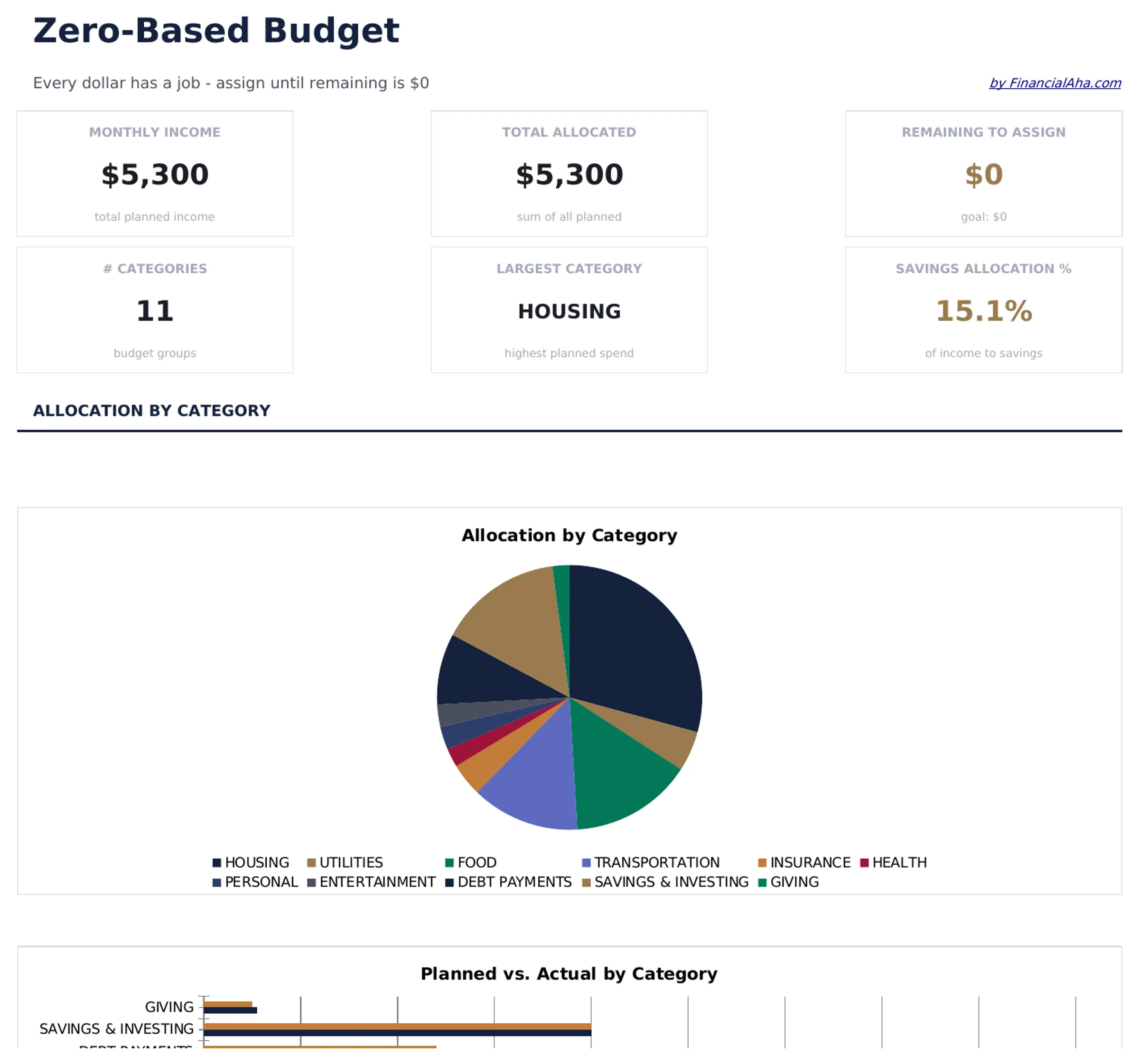
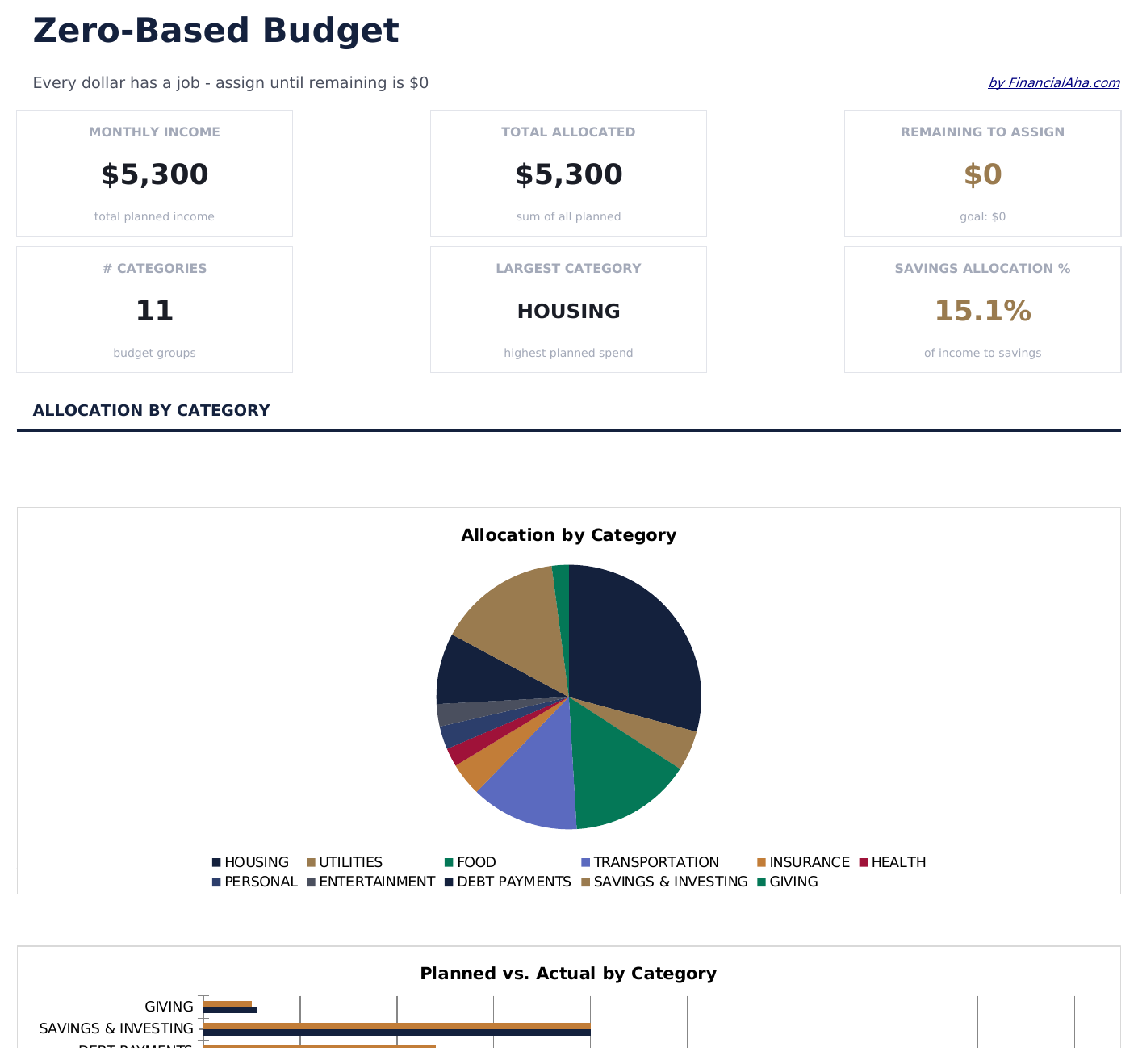
- Dashboard with remaining-to-assign balance that counts down to zero as you allocate each dollar
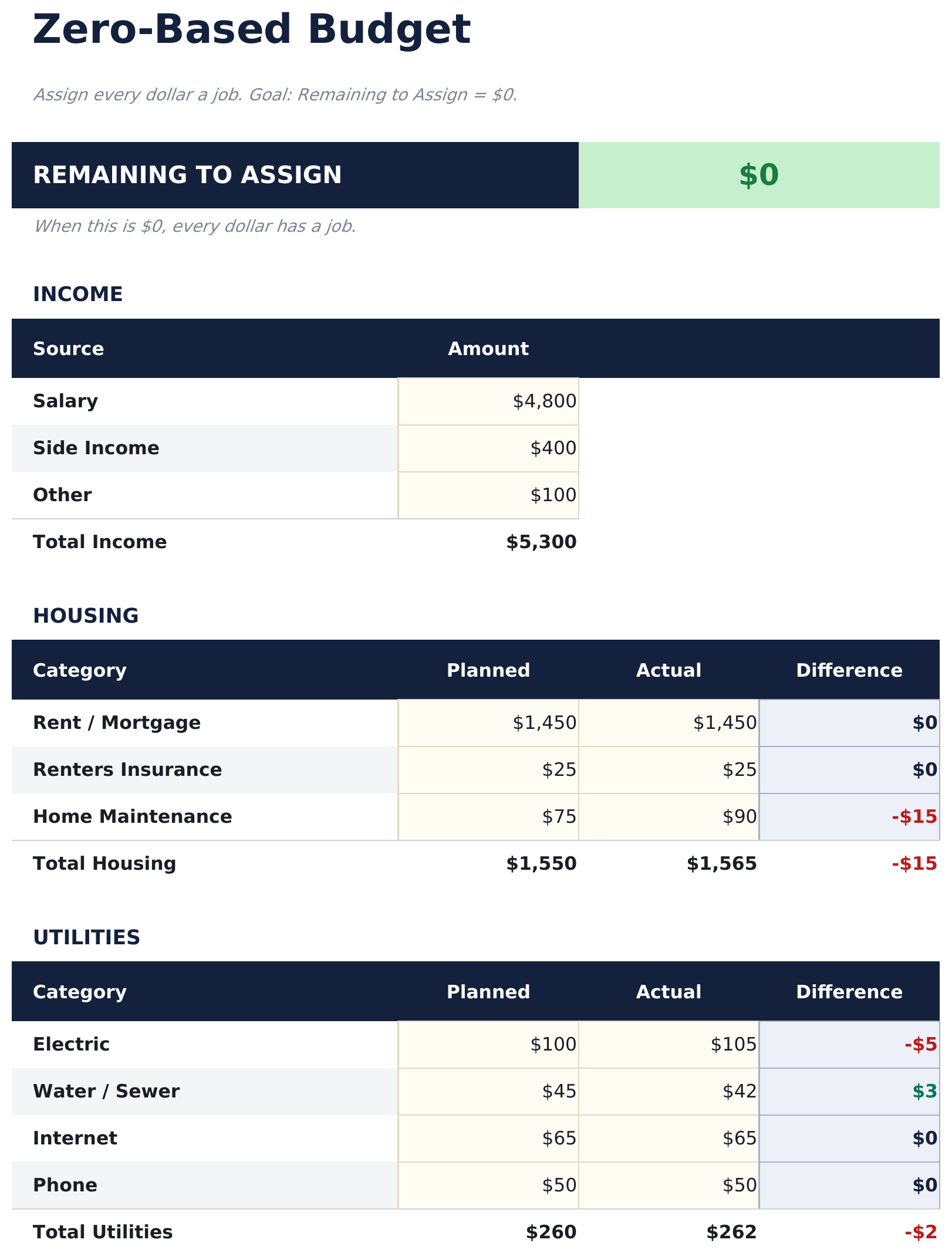
- Zero-based budget worksheet with income at the top and category assignments flowing downward
- Income allocation section covering fixed expenses, variable spending, savings, and debt payments
- Automatic running balance that recalculates after each category so you can track every dollar
- Color-coded input cells (yellow) and formula-driven result cells (blue) for clear data entry
- Works in Microsoft Excel, Google Sheets, and LibreOffice Calc with no setup required
Preview
See what's inside this template
How to Use This Zero-Based Budget Template
Enter your income
Add all income sources at the top. The remaining-to-assign balance starts at your total income and counts down as you allocate.
Assign every dollar
Distribute income across fixed expenses, variable spending, savings, and debt payments until the remaining balance reaches zero.
Track the balance
Watch the remaining-to-assign field. When it hits zero, every dollar has a purpose. A negative number means you have over-allocated.
Reconcile at month end
Compare planned allocations to actual spending. Adjust next month based on where you overspent or underspent.
Built by Claude AI. Perfected by us.
We use Claude AI to draft each free template, after a deep research. Then our team steps in. We refine the layout, stress-test every formula, fix edge cases, and polish the design until it feels like something we would actually use ourselves. The AI gets us 80% there. The last 20% is all human judgment.
Frequently Asked Questions
What does zero-based mean?
Zero-based budgeting means assigning every dollar of income to a category - spending, saving, or debt - so the unallocated balance reaches exactly zero. No money is left without a purpose.
What if I have leftover income?
Assign the remaining amount to savings, an emergency fund, or extra debt payments. The goal is for the remaining-to-assign field to show zero.
Can I use this for irregular income?
Yes. Enter your expected income for the month and allocate from there. If income varies, update the total when you know the actual amount and reassign categories.
How do I handle unexpected expenses?
Add a miscellaneous or buffer category in your allocations. When surprise expenses come up, deduct from that category to keep the budget balanced.
How do I open this in Google Sheets?
Upload the .xlsx file to Google Drive, then open it with Google Sheets. All formulas and formatting will be preserved.
What license is this template under?
All free templates are released under CC BY 4.0 (Creative Commons Attribution). You can use, modify, and share them freely - including for commercial purposes - as long as you credit FinancialAha.com. They are provided as-is and do not constitute financial advice.
More Free Personal Budgeting Templates
Looking for premium spreadsheet templates?
Our paid templates include advanced multi-sheet dashboards, native Excel charts, and ongoing updates.