Free 80/20 Budget Spreadsheet Template
A simplified two-bucket approach - save 20% and spend the remaining 80% however needed. For those who prefer minimal budget categories.
What's Included
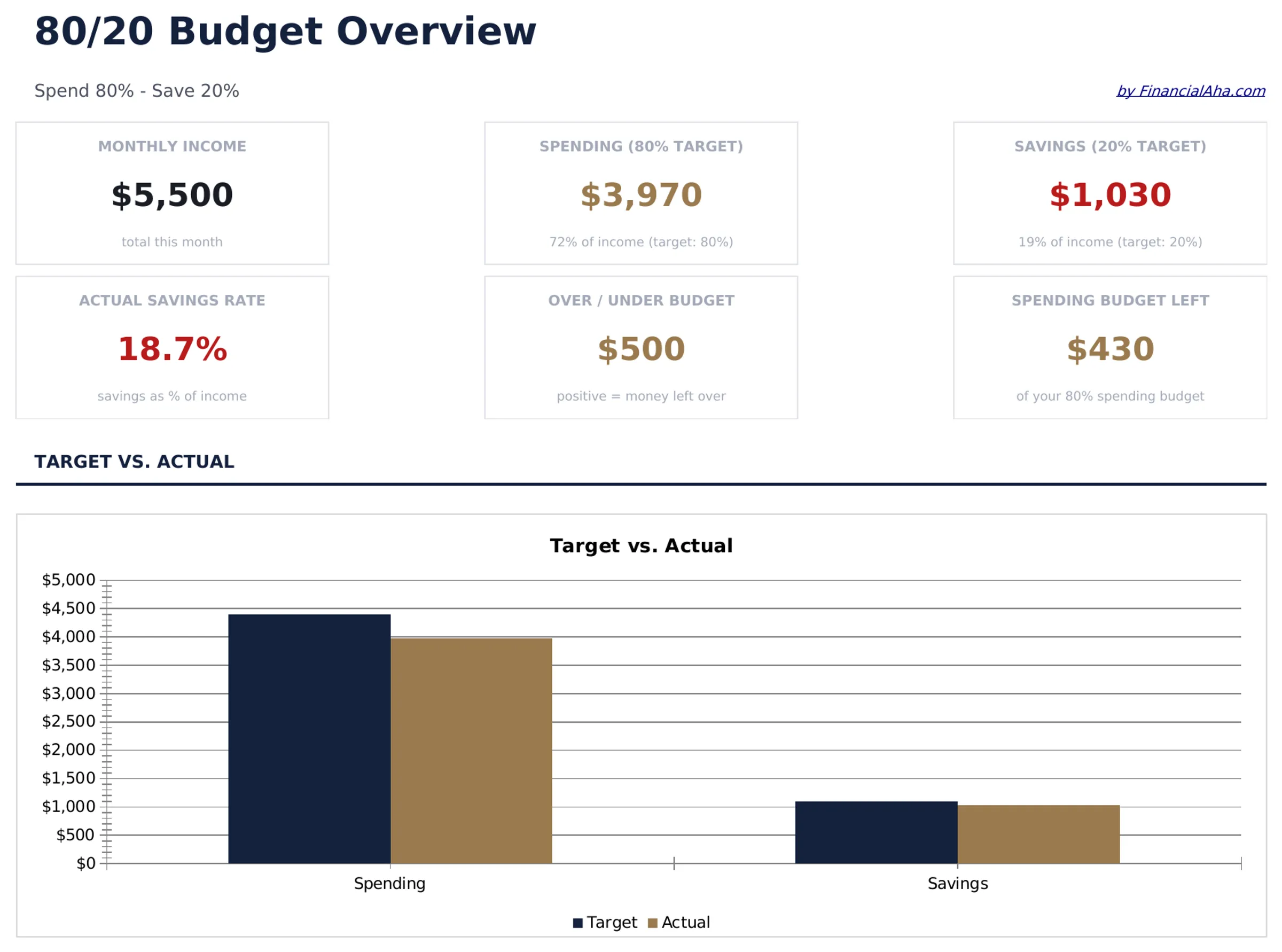
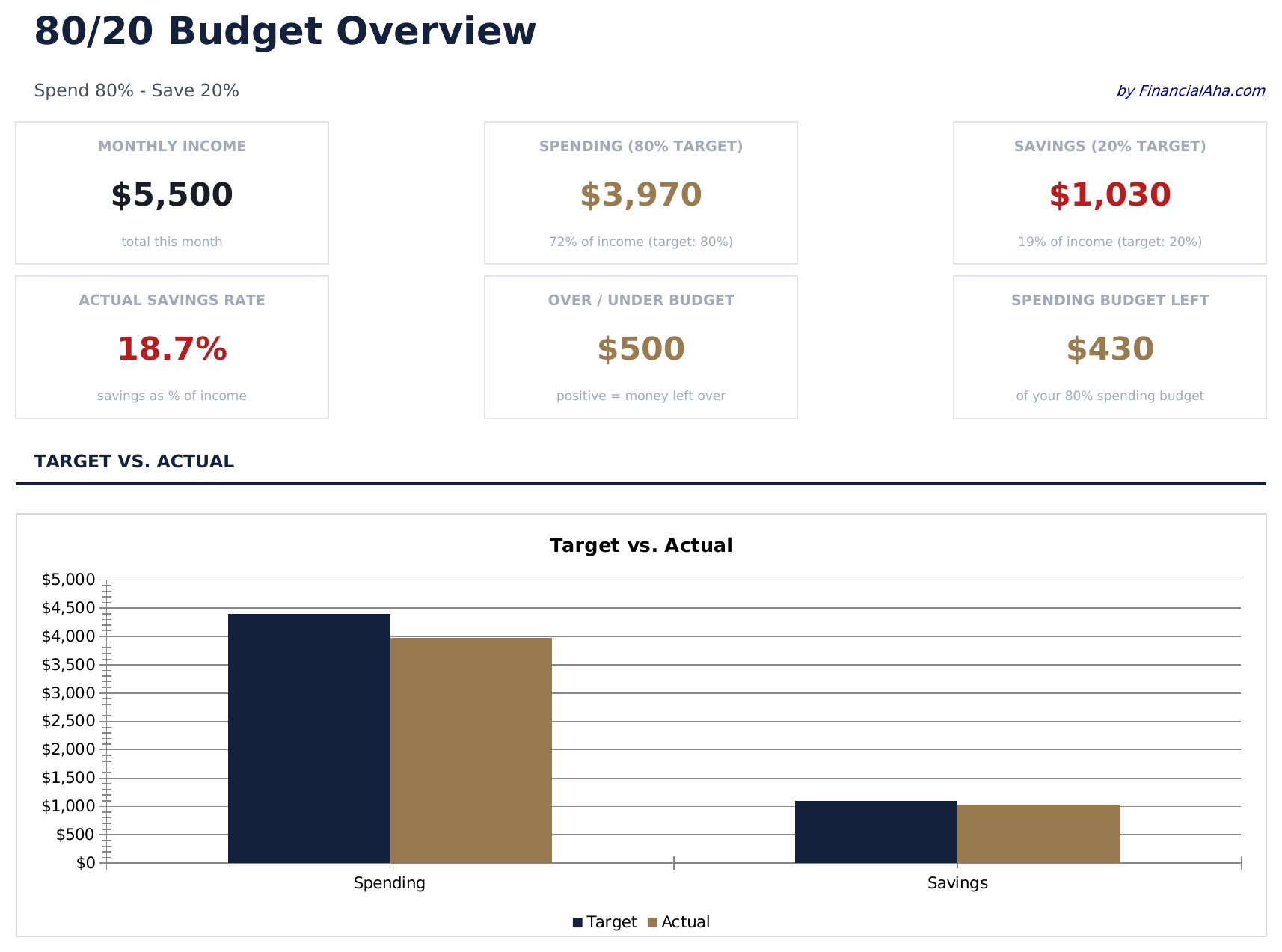
- Dashboard with 80/20 allocation view showing total income split into spending and savings buckets
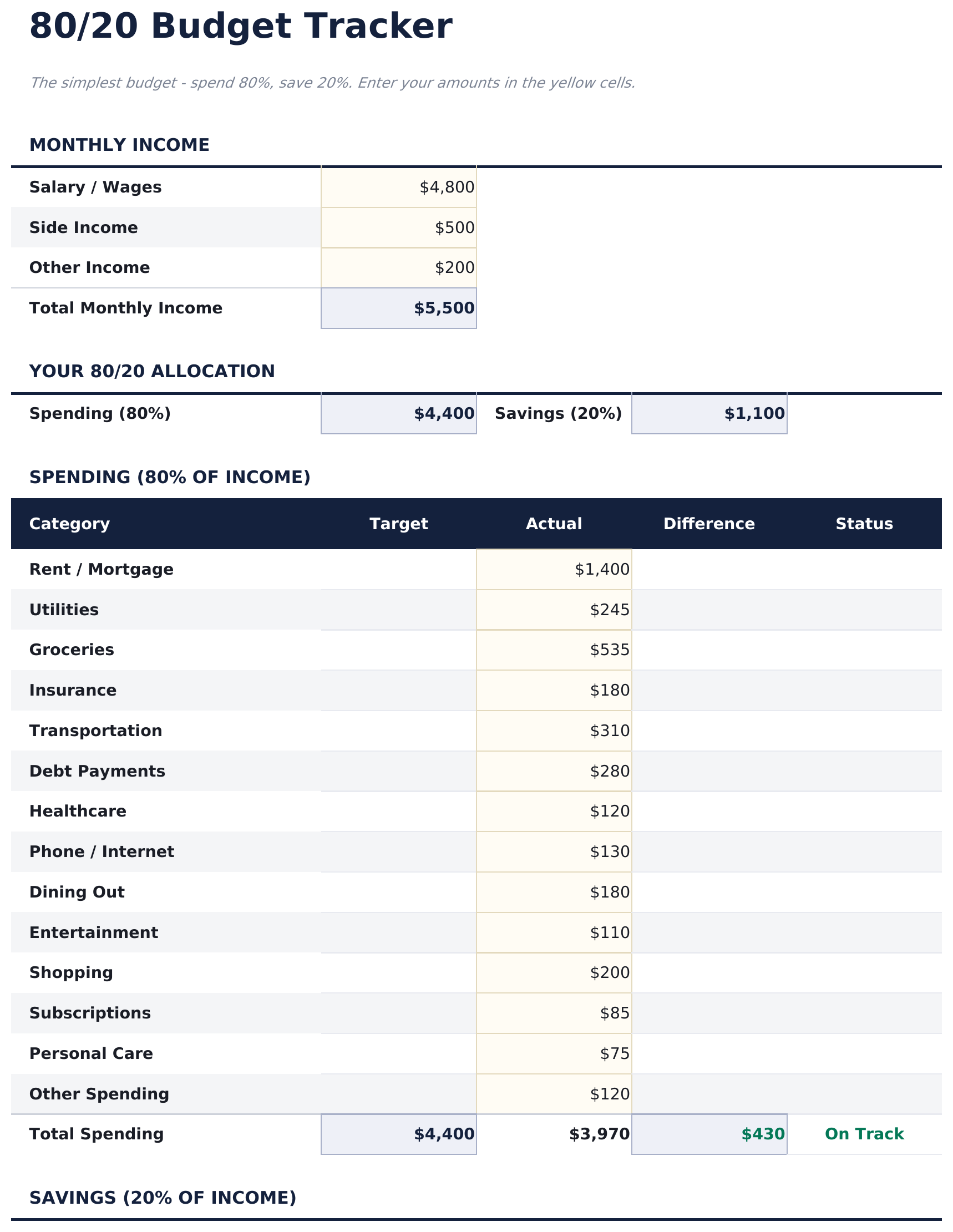
- Two-bucket budget tracker that separates all spending (80%) from savings and investments (20%)
- Automatic savings target calculation that updates the 20% goal whenever income amounts change
- Flexible spending section within the 80% bucket - no rigid categories, just total spending tracked
- Color-coded input cells and clean summary layout with automatic income-based percentage updates
- Works in Microsoft Excel, Google Sheets, and LibreOffice Calc with no setup required
Preview
See what's inside this template
How to Use This 80/20 Budget Template
Enter your income
Type your monthly after-tax income at the top. The template calculates the 80% spending limit and 20% savings target automatically.
Track total spending
Record all expenses in the spending section. The template focuses on total spending rather than detailed category breakdowns.
Verify your savings
Check whether the 20% savings target is met. The dashboard shows how much has been saved vs the target amount.
Adjust the balance
If total spending exceeds 80%, review the largest expense items. The simple two-bucket view makes it easy to see where you stand.
Built by Claude AI. Perfected by us.
We use Claude AI to draft each free template, after a deep research. Then our team steps in. We refine the layout, stress-test every formula, fix edge cases, and polish the design until it feels like something we would actually use ourselves. The AI gets us 80% there. The last 20% is all human judgment.
Frequently Asked Questions
Why only two buckets?
The 80/20 approach simplifies budgeting to one rule - save 20% and spend the rest however you need. It is designed for people who do not want detailed category tracking.
Do I need to categorize my expenses?
No. The template tracks total spending against the 80% limit. You can add categories if you want, but the core design does not require them.
Can I change the savings percentage?
Yes. The percentage fields are editable. Adjust the split to 85/15, 75/25, or any ratio that fits your situation.
Where does debt payment go?
Minimum debt payments are part of the 80% spending bucket. Extra payments beyond minimums can go in the 20% savings bucket since they build net worth.
How do I open this in Google Sheets?
Upload the .xlsx file to Google Drive, then open it with Google Sheets. All formulas and formatting will be preserved.
What license is this template under?
All free templates are released under CC BY 4.0 (Creative Commons Attribution). You can use, modify, and share them freely - including for commercial purposes - as long as you credit FinancialAha.com. They are provided as-is and do not constitute financial advice.
More Free Personal Budgeting Templates
Looking for premium spreadsheet templates?
Our paid templates include advanced multi-sheet dashboards, native Excel charts, and ongoing updates.