Free Expense Reimbursement Form Spreadsheet Template
Submit employee expense claims with itemized entries. Standard reimbursement form with approval fields and automatic totals.
What's Included
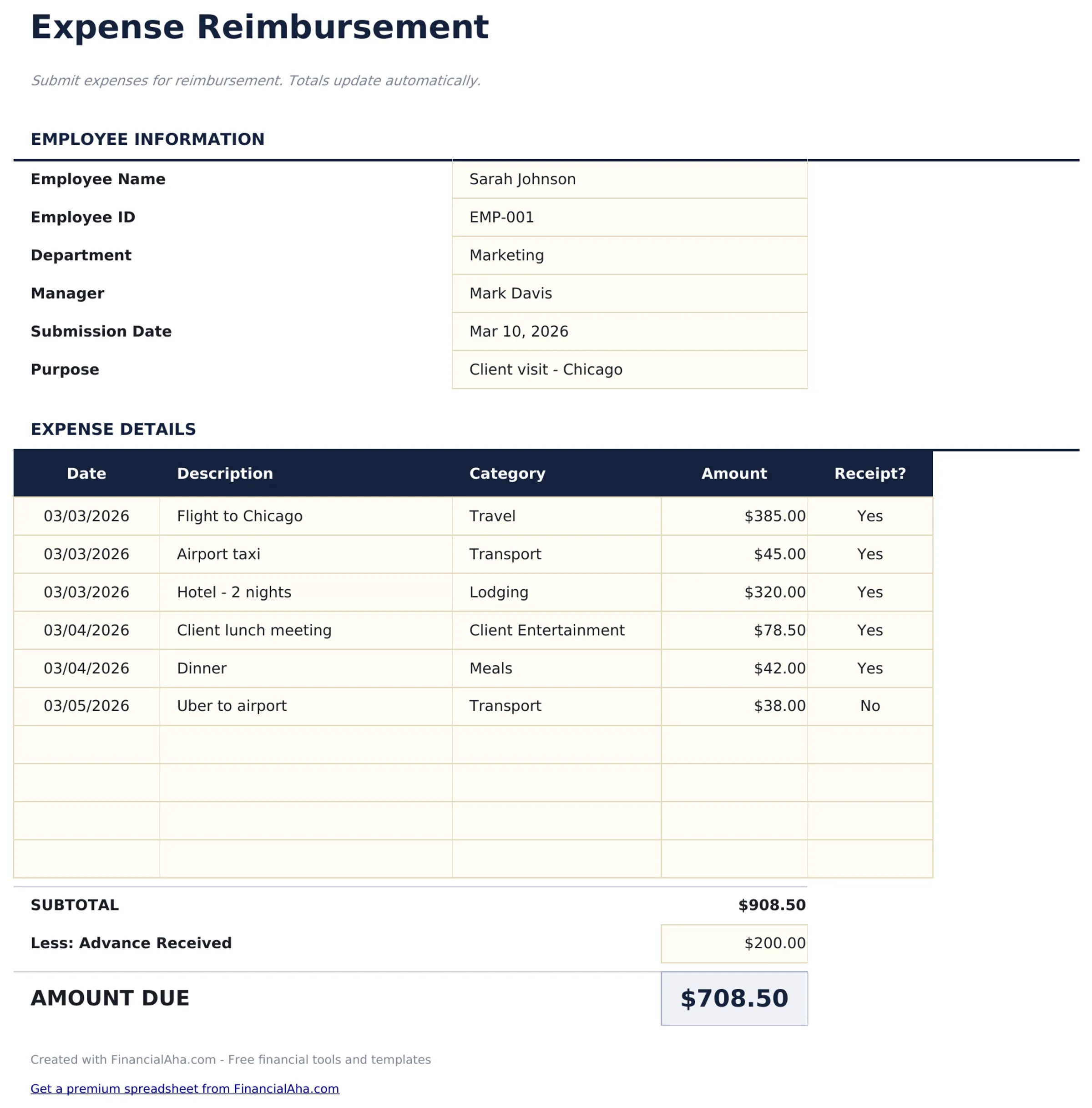
- Expense reimbursement form layout with employee name, department, submission date, and manager approval fields
- Itemized expense entries with columns for date, vendor, description, category, and amount for each claim
- Category options including meals, travel, lodging, office supplies, mileage, and professional development
- Receipt reference fields for attaching or noting receipt numbers alongside each expense line item
- Automatic total calculation with approval and signature section in a print-ready professional format
- Works in Microsoft Excel, Google Sheets, and LibreOffice Calc with no setup required
Preview
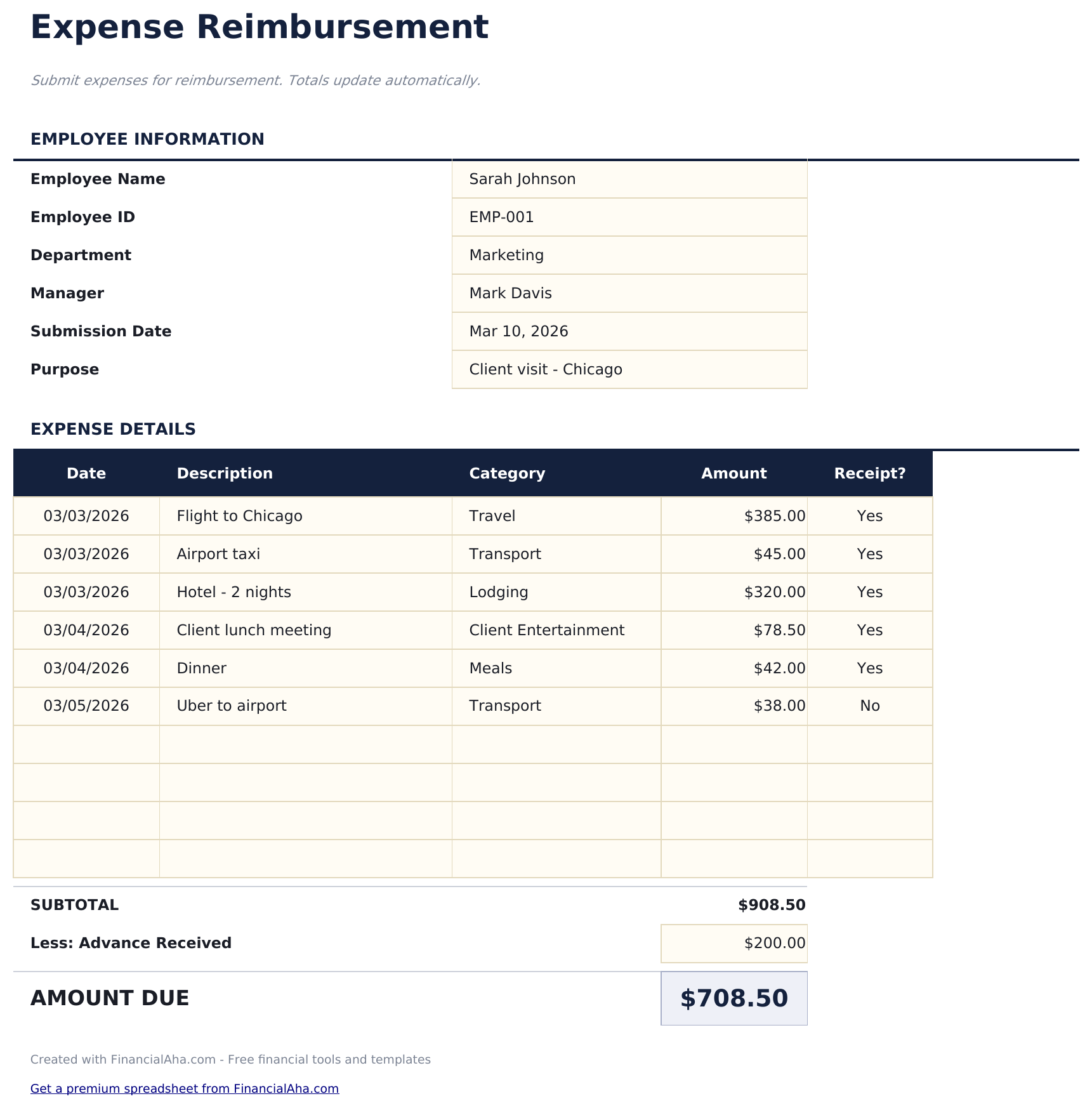
See what's inside this template
How to Use This Expense Reimbursement Form Template
Enter employee details
Fill in your name, department, submission date, and manager name at the top of the form.
Itemize expenses
Add each expense with the date, vendor, description, category, and amount. Attach or note receipt references.
Review the total
The form totals all expense line items automatically. Check that every entry has supporting documentation.
Submit for approval
Print the form and submit with receipts. The approval section at the bottom includes manager signature fields.
Built by Claude AI. Perfected by us.
We use Claude AI to draft each free template, after a deep research. Then our team steps in. We refine the layout, stress-test every formula, fix edge cases, and polish the design until it feels like something we would actually use ourselves. The AI gets us 80% there. The last 20% is all human judgment.
Frequently Asked Questions
What categories can I use?
Standard categories include meals, travel, lodging, office supplies, mileage, and professional development. Use the categories your company policy requires.
Do I need a receipt for every expense?
Most companies require receipts above a minimum threshold. The receipt reference field links each expense to its documentation.
Can I submit digitally?
Fill out the form electronically and email the file along with digital copies of receipts. Export to PDF for a clean submission.
How is this different from an expense report?
They serve the same purpose. This template is formatted as a single-page reimbursement form, while the expense report template has more room for detailed entries.
How do I open this in Google Sheets?
Upload the .xlsx file to Google Drive, then open it with Google Sheets. All formulas and formatting will be preserved.
What license is this template under?
All free templates are released under CC BY 4.0 (Creative Commons Attribution). You can use, modify, and share them freely - including for commercial purposes - as long as you credit FinancialAha.com. They are provided as-is and do not constitute financial advice.
More Free Payroll & HR Templates
Looking for premium spreadsheet templates?
Our paid templates include advanced multi-sheet dashboards, native Excel charts, and ongoing updates.