Spreadsheet Guide
Subscription Tracker Spreadsheet
Subscription costs add up in ways that are hard to notice one at a time. A tracker that shows every recurring charge in one place often reveals surprising monthly totals.
In Depth
The Subscription Creep Nobody Notices
Subscription services are designed to be easy to start and easy to forget. A $9.99 streaming service here, a $14.99 software tool there, a $29.99 monthly box subscription - each feels insignificant individually. But the average person accumulates subscriptions gradually over years, and the total often reaches $200-$400 per month before anyone notices. That is $2,400-$4,800 per year flowing out in small, automatic increments that never trigger the same scrutiny as a single large purchase.
The audit process itself tends to be revealing. Reviewing three months of bank and credit card statements for recurring charges surfaces subscriptions that have been forgotten entirely - a fitness app that has not been opened in six months, a news site behind a paywall that is never visited, a cloud storage upgrade that duplicates a free tier from another service. The gap between subscriptions owned and subscriptions actively used is, for most people, surprisingly wide.
Quarterly subscription reviews prevent the gradual re-accumulation that tends to follow any one-time cleanup effort. The pattern is predictable: someone audits their subscriptions, cancels several, saves $80/month, and then over the following year slowly adds new services that restore the total to its previous level. A regular review cadence - built into a broader monthly or quarterly financial check-in - keeps subscription spending visible and intentional rather than passive and growing.
Overview
What a Subscription Tracker Does
A subscription tracker spreadsheet lists every recurring charge - streaming services, software subscriptions, gym memberships, box deliveries, app subscriptions, and any other regular payments. It calculates the monthly and annual total cost of all subscriptions, highlights billing dates, and makes it easy to spot subscriptions that are no longer being used. Many people find their total subscription spending is 2-3x what they estimated.
How It Works
How to Track Subscriptions
Audit all recurring charges
Review bank and credit card statements for the past 3 months to find every recurring charge. Check app store subscriptions on all devices. Some subscriptions bill annually and are easy to forget between charges.
Record each subscription with key details
For each subscription, note the service name, cost, billing frequency (monthly/annual), payment method, renewal date, and whether it has a cancellation penalty. Categorizing subscriptions (entertainment, productivity, health, etc.) helps with decision-making.
Calculate the true monthly and annual cost
Convert all subscriptions to both monthly and annual figures. An annual subscription of $120 is $10/month. Seeing the total annual cost of all subscriptions often motivates a review of what is truly being used.
Review and decide what stays
With all subscriptions visible, evaluate each one: Is it being actively used? Is it worth the cost? Are there cheaper alternatives? Could any be shared with family? Setting a quarterly review reminder prevents subscription creep from returning.
See The Template
A ready-made subscription tracker tool
Instead of building from scratch, start with a template that has the structure, formulas, and visuals already in place.
- Pre-built formulas and calculations
- Visual charts and dashboards
- No setup required
- Works in Google Sheets and Excel
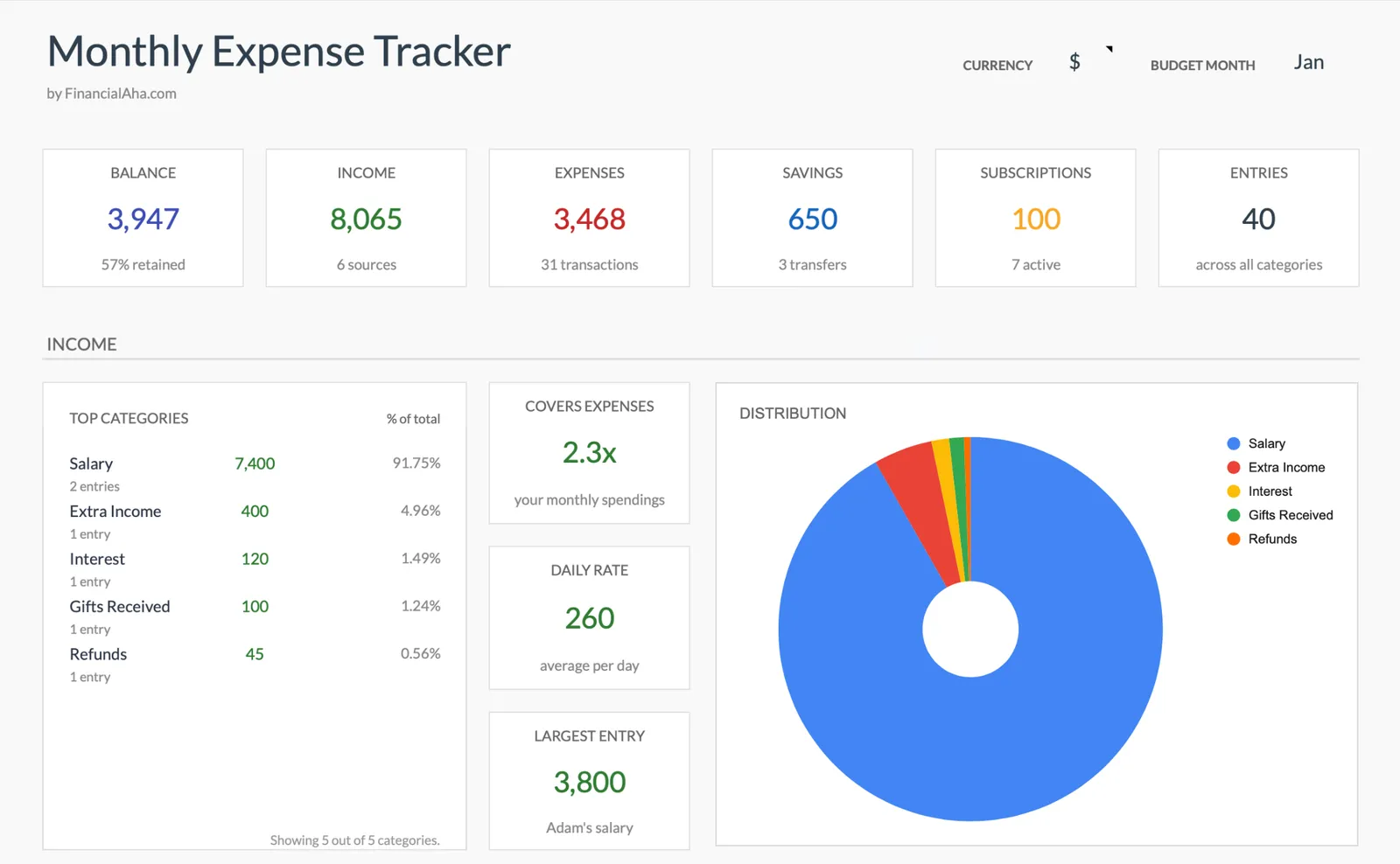
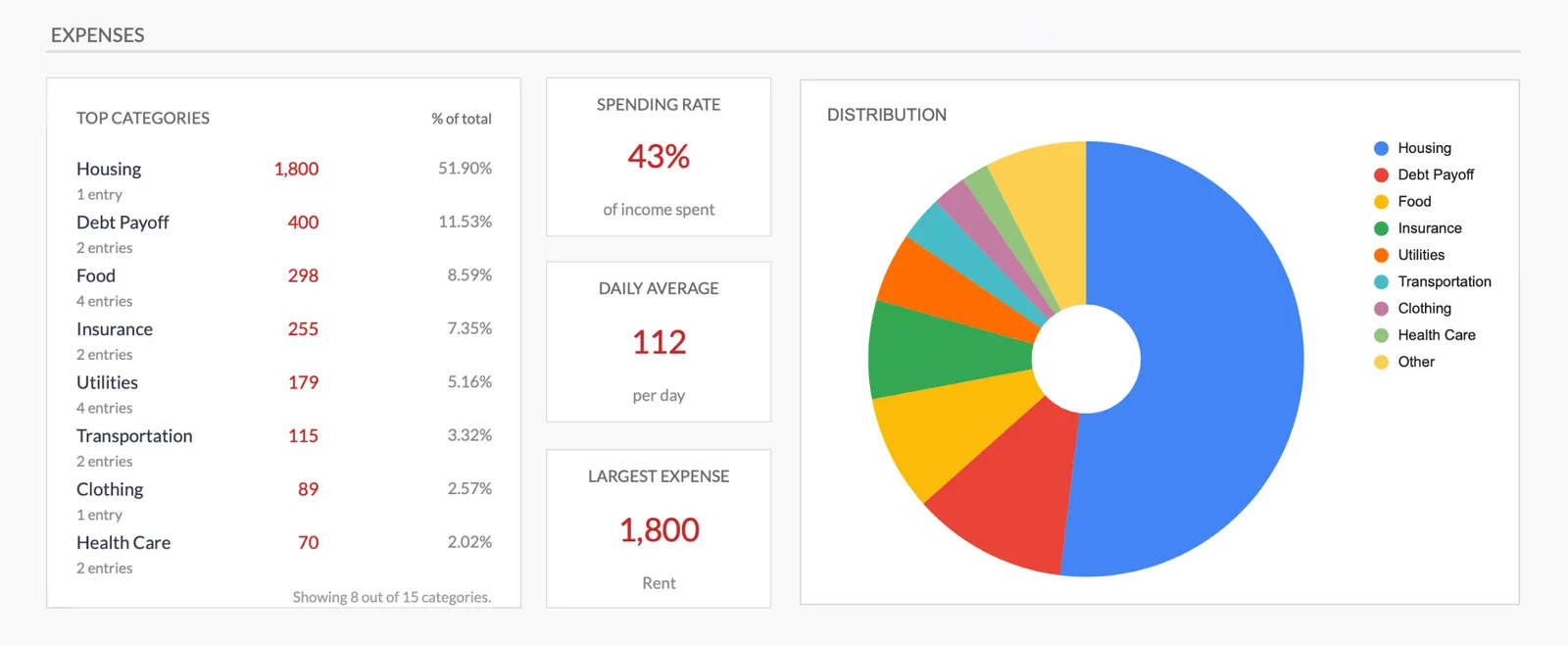
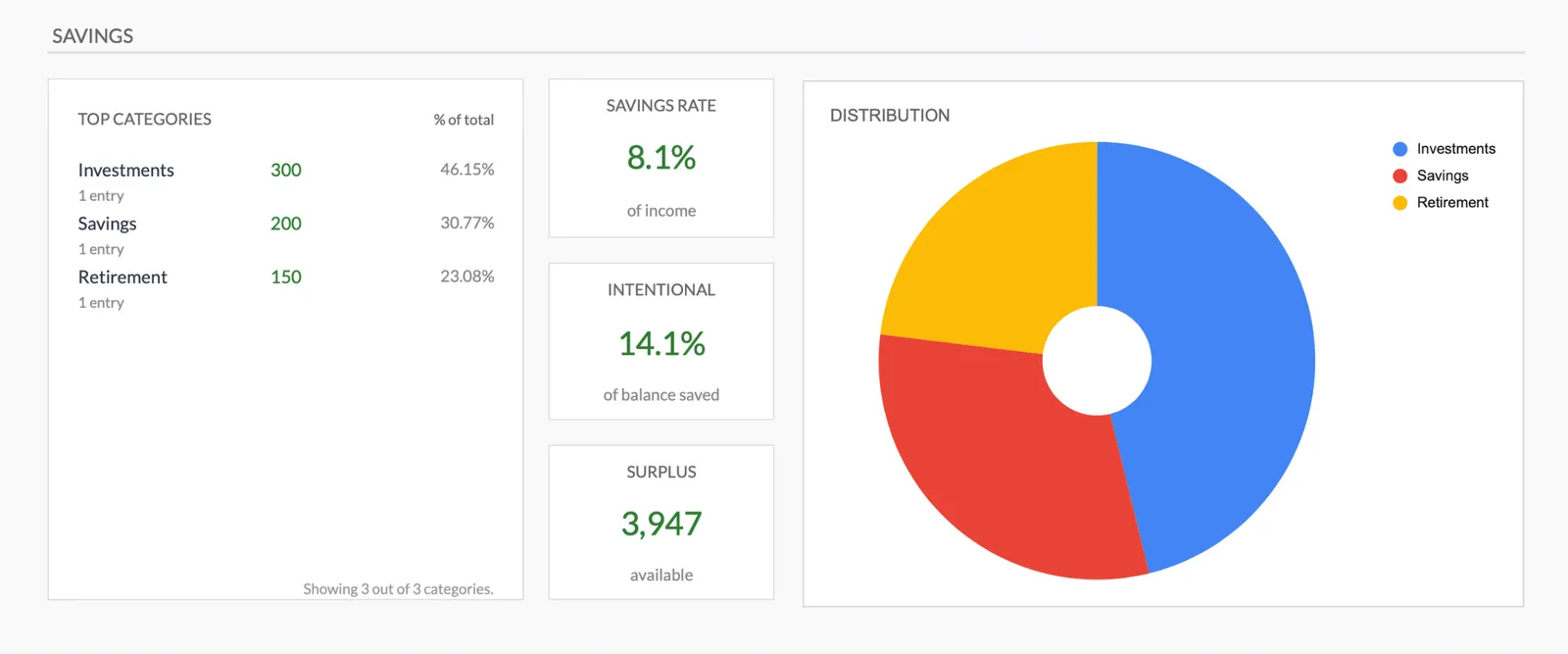
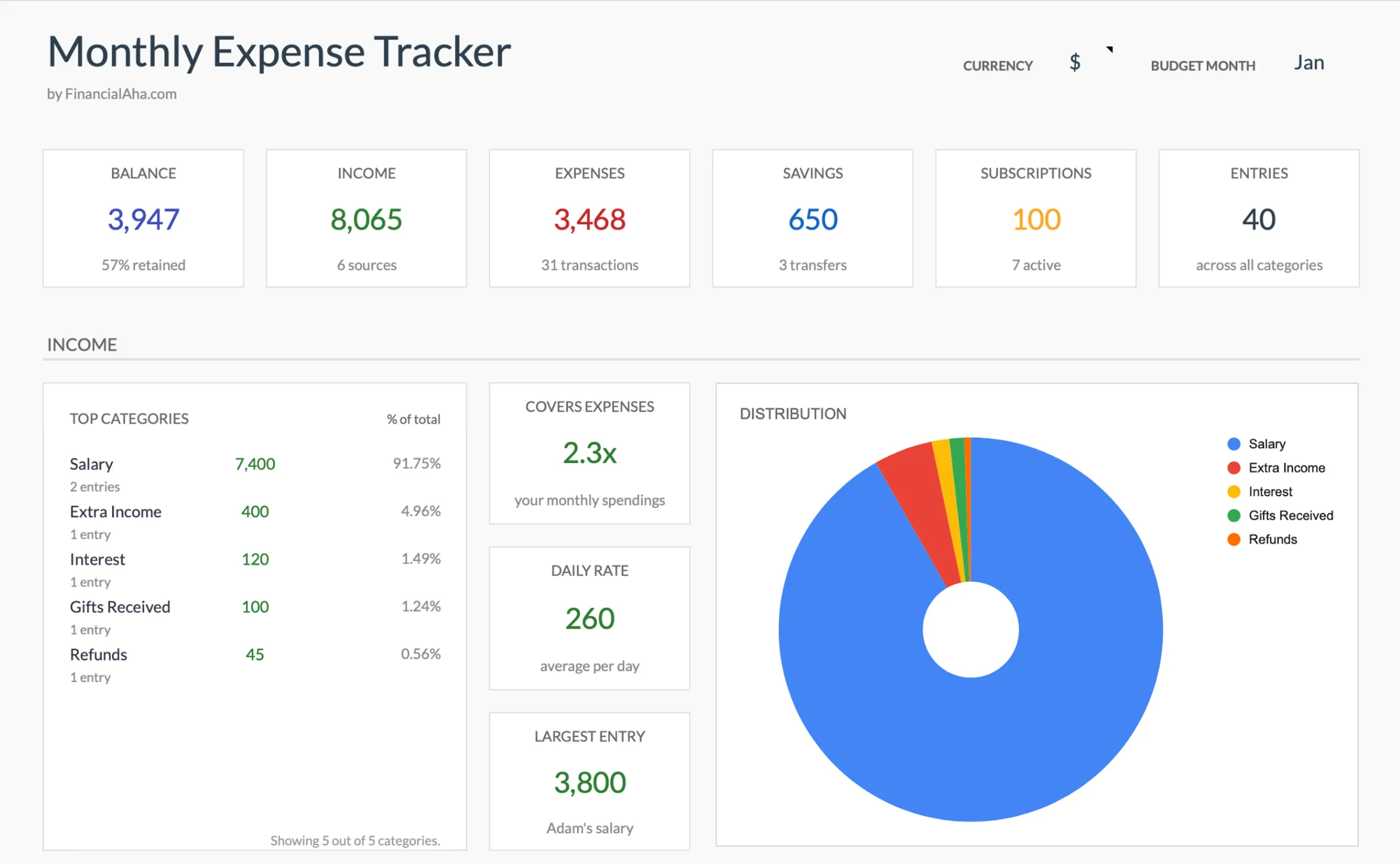
Monthly expense overview with charts
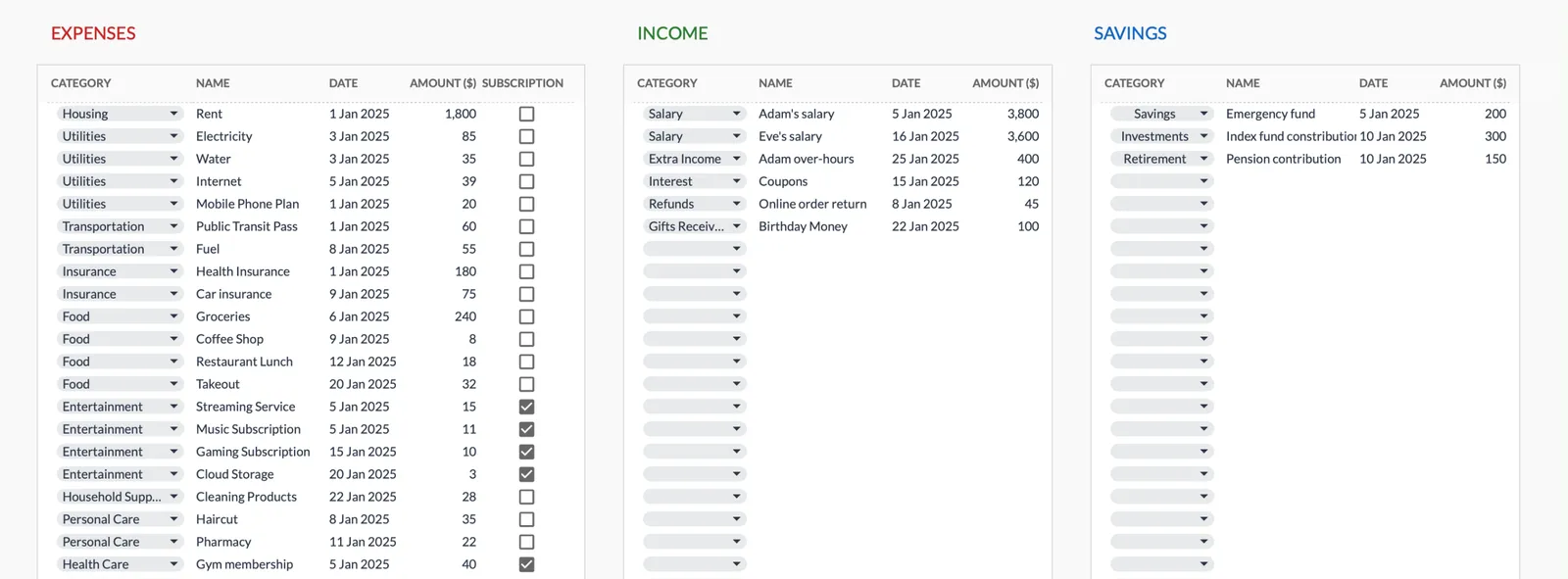
Log every expense with dates and categories
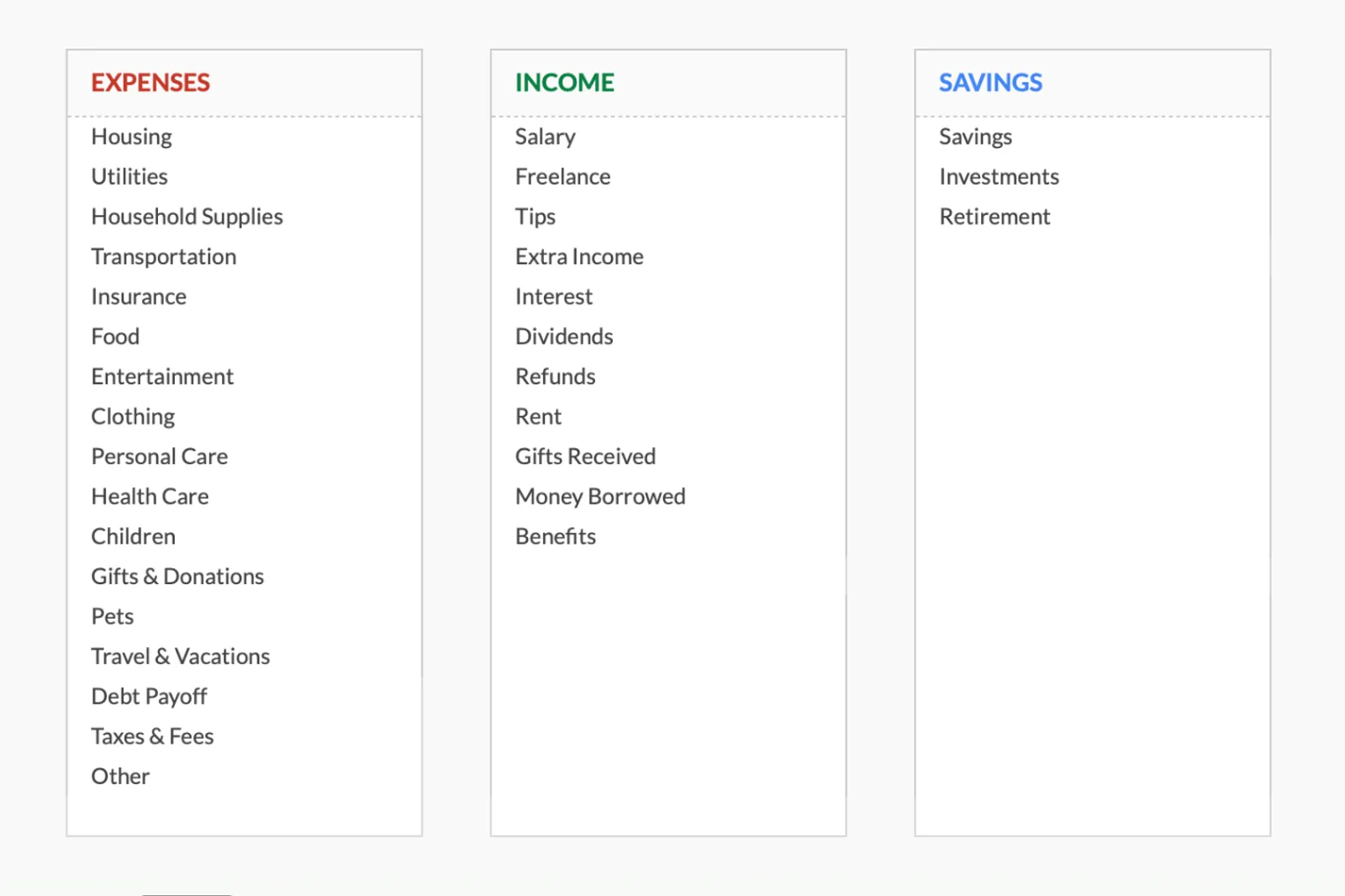
Organize spending into customizable categories
Detailed breakdown of all expenses
Track savings alongside expenses
Get Started
Template for This Use Case
Track subscriptions as part of your complete expense picture. See recurring charges alongside all other spending, categorized and totaled automatically each month.
View template Save $24Get expense tracking, monthly budgeting, and annual planning together. Track subscriptions, set budget limits, and see how recurring costs fit into your annual spending picture.
Includes 3 templates
View bundleCommon Questions
Subscription Tracker Spreadsheet FAQ
How many subscriptions does the average person have?
Studies suggest the average person has 6-12 active subscriptions, though many underestimate the number. When including all recurring charges (not just streaming services), the count often climbs higher. A thorough statement audit is the only way to get an accurate count.
How can forgotten subscriptions be found?
Review 3-6 months of bank and credit card statements for recurring charges. Check app store subscription settings on all devices. Look for annual subscriptions that bill once a year - these are the most commonly forgotten. Some banking apps now flag recurring charges automatically.
How often should subscriptions be reviewed?
A quarterly review catches subscriptions that are no longer being used before too many charges accumulate. Setting a calendar reminder for the review ensures it actually happens. Some people review subscriptions as part of their monthly budget check-in.
What is the best way to cancel subscriptions?
Cancel directly through the service provider account settings or app. For services that make cancellation difficult, a direct email or phone call to customer service typically works. Keep confirmation of cancellation and monitor the next billing cycle to ensure charges stop.
Should annual vs. monthly billing be preferred?
Annual billing often offers a 10-20% discount, but locks in the cost for a full year. Monthly billing provides flexibility to cancel anytime. For subscriptions that are definitely going to be kept (like essential software), annual billing saves money. For anything uncertain, monthly billing reduces risk.
Can't find the answer you're looking for? Contact our team
Get a ready-made subscription tracker spreadsheet
Skip the setup and start with a professionally designed spreadsheet template. All formulas, charts, and tracking built in.
Ready to get started?
Download instantly and start managing your finances, or contact us to design a custom template package for your needs.